An Excalidraw alternative
Excalidraw is an excellent free, open-source whiteboard with a hand-drawn look. If you mostly sketch diagrams, it is hard to beat. If you teach, do maths on screen or want a free PDF of your board, a different set of boards may suit you better.
This page is meant to help you choose, not to talk you out of Excalidraw. Both tools are free to start with, both draw together live, and both save in your browser. The difference is in what each one is built for.
Choose Excalidraw for diagrams and open files
Excalidraw’s hand-drawn style makes rough architecture diagrams and flow sketches look friendly instead of formal, and many people love it for that. Its live collaboration is end-to-end encrypted. It exports PNG and SVG, copies to the clipboard and saves its own .excalidraw file, it has shape libraries and a laser pointer, and it is open source under the MIT licence. If you need SVG, an open file format or a tool you can host yourself, pick Excalidraw.
Exporting frames to PDF is part of Excalidraw+, which was listed at $6 per user a month when we checked. Check their site for current plans.
Choose Draw on Website for teaching and maths
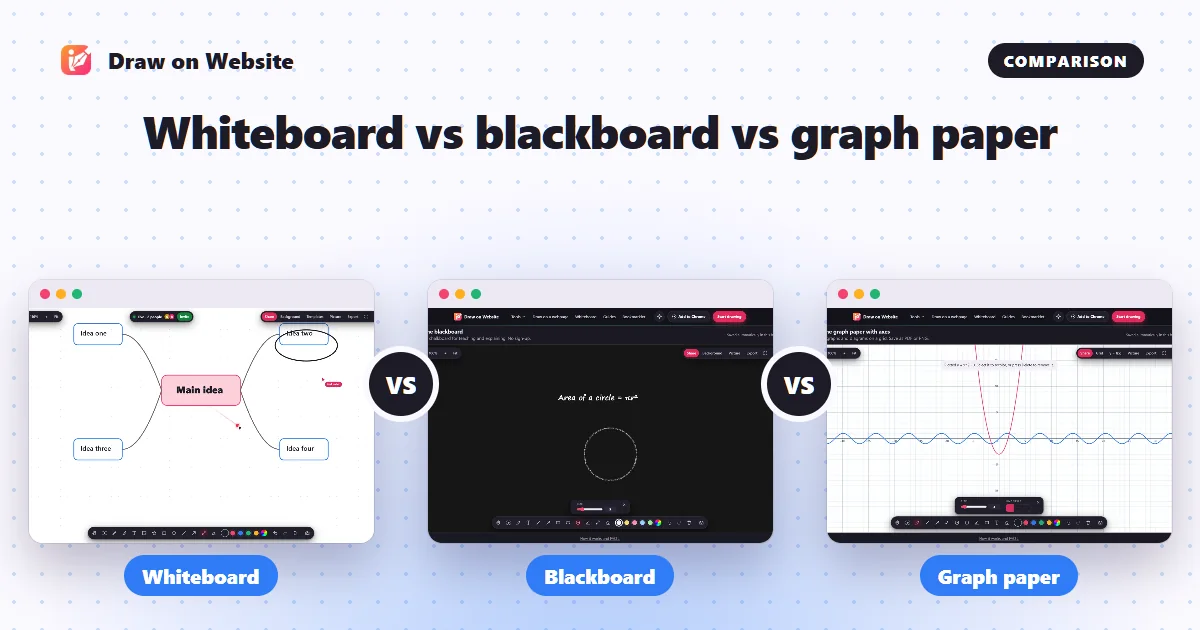
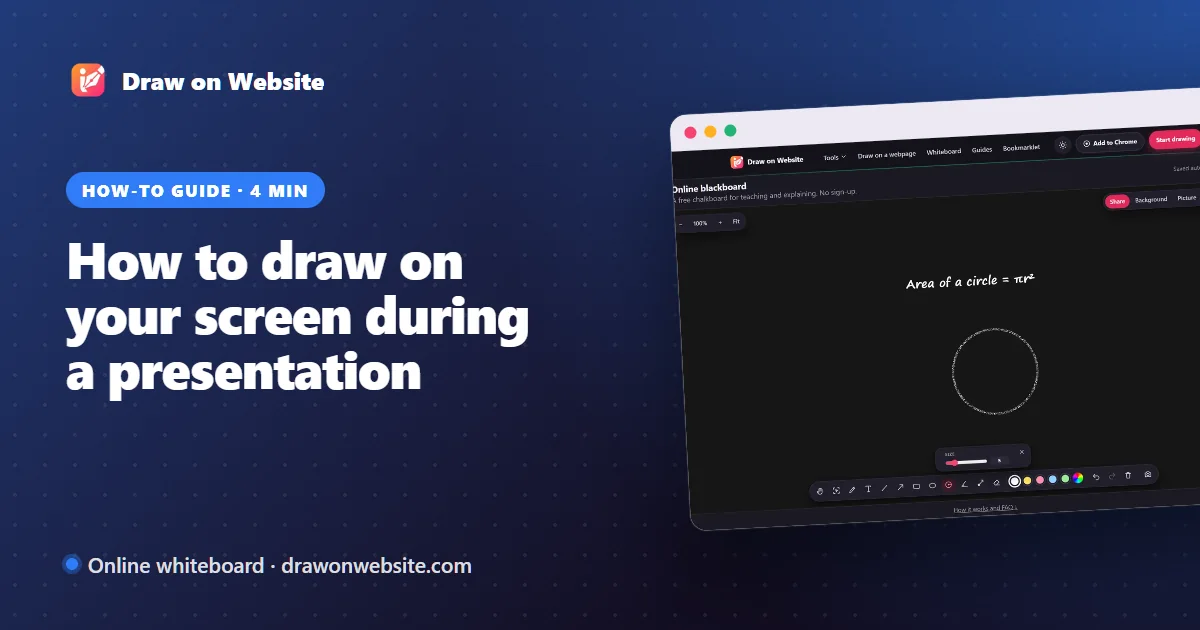
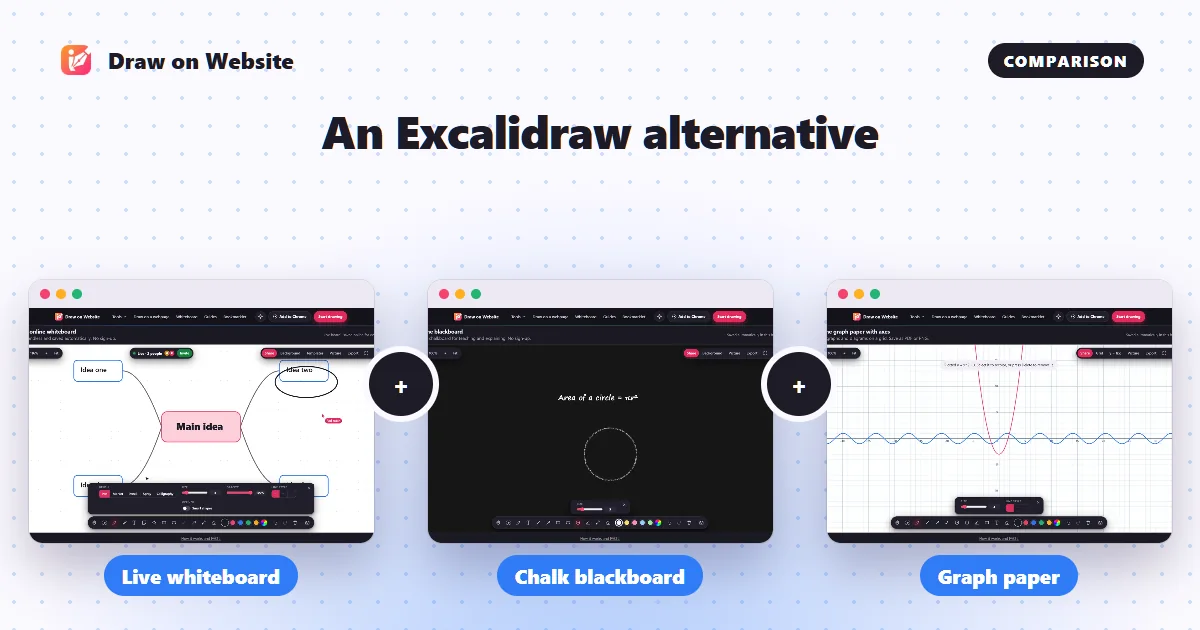
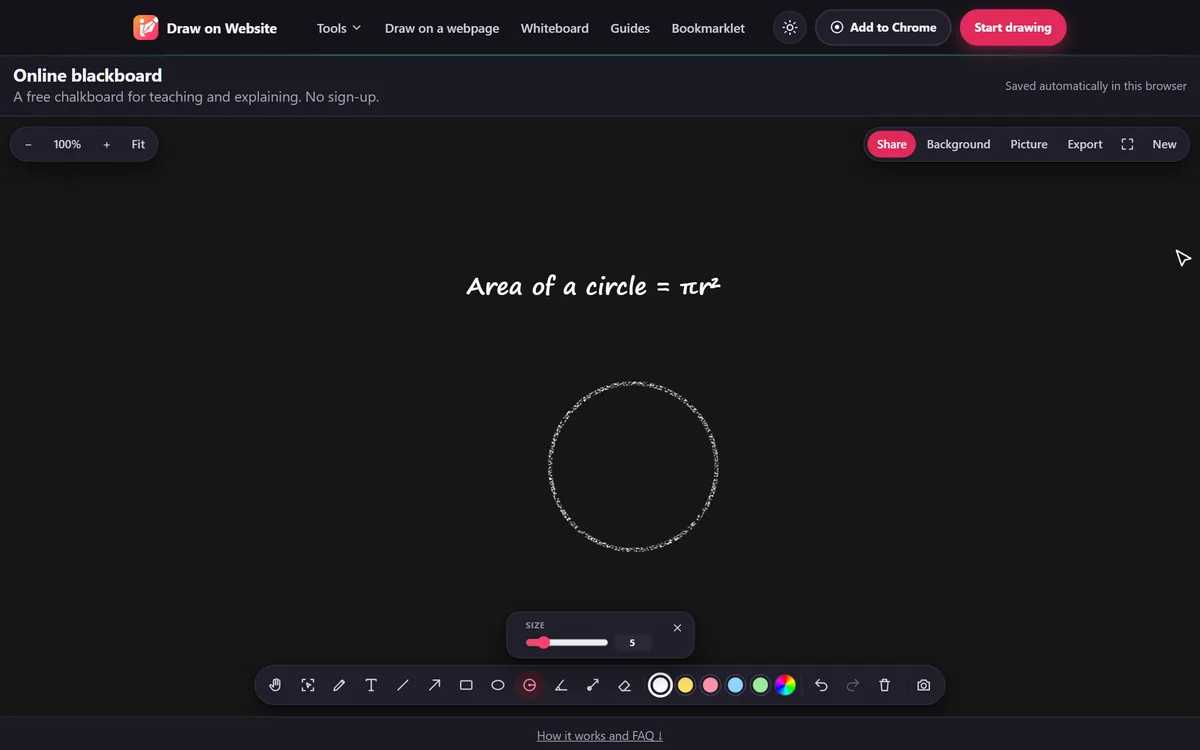
Instead of one canvas, there are three boards with different tools. The blackboard has grainy chalk on a green, black, blue or brown board, plus a compass (C) and a protractor (J). It reads well on a projector, which is where many lessons happen.
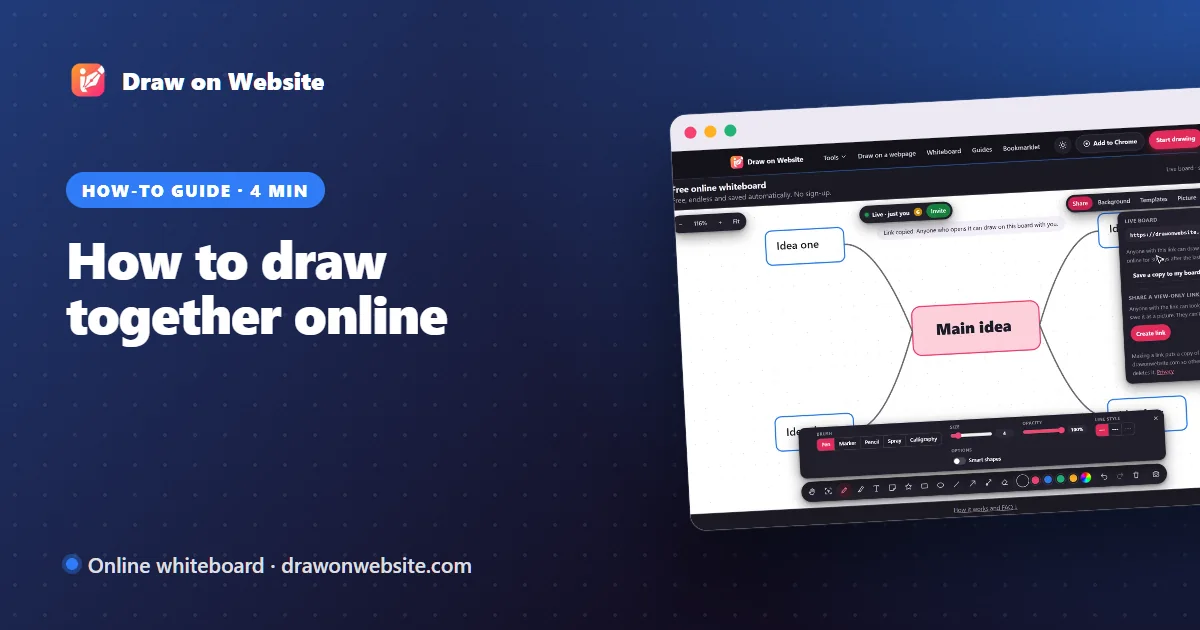
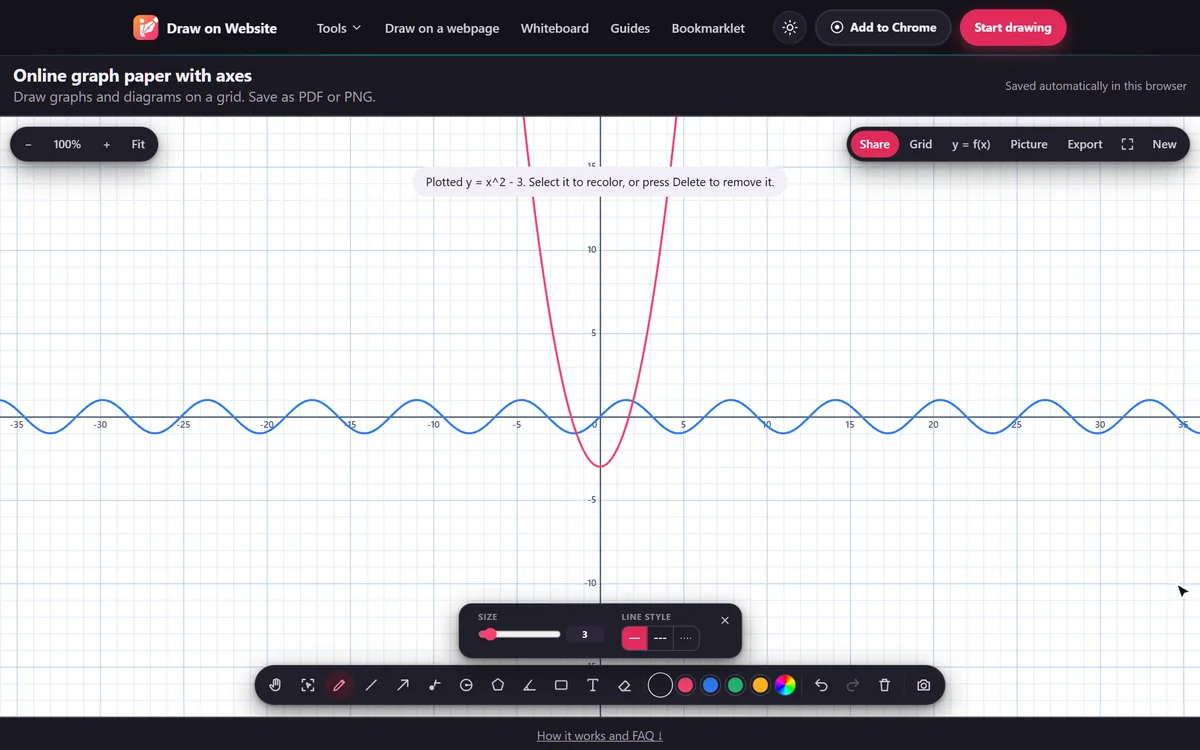
Graph paper plots functions like y = sin(x), shows the coordinates of points, and measures lengths, angles and areas. The grid can be squares, dots, isometric or polar, and you can print blank A4 or Letter sheets.
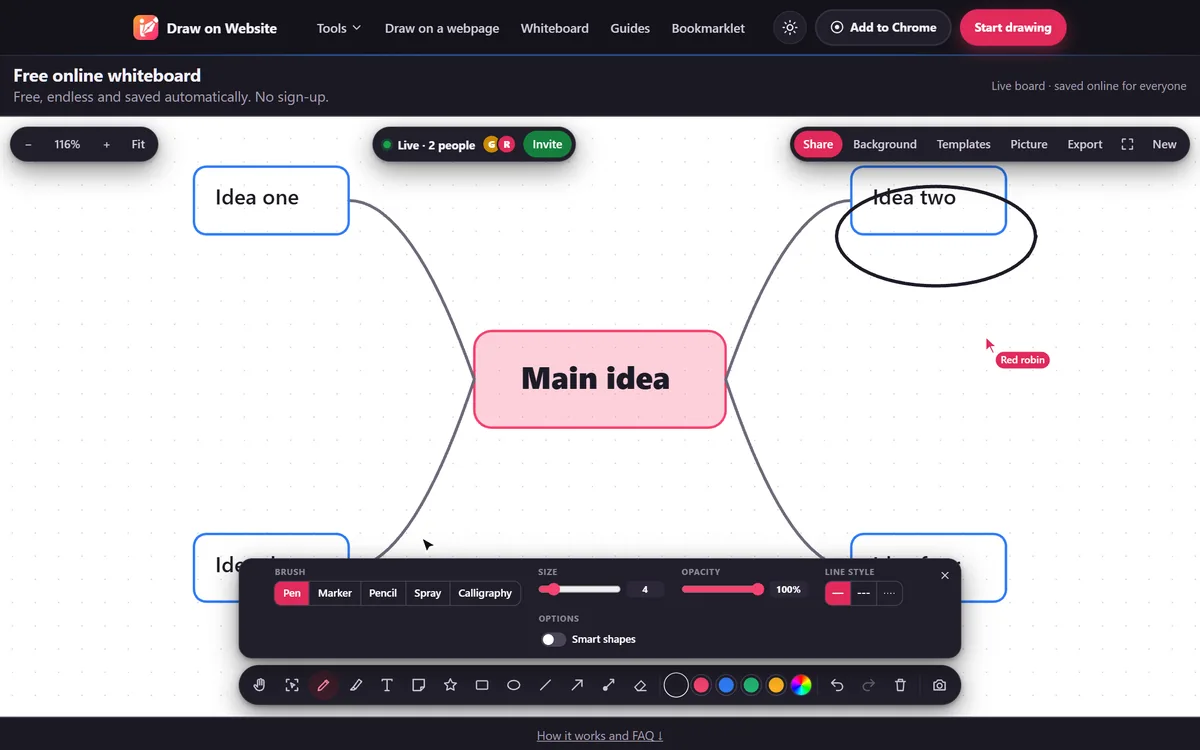
The whiteboard covers planning, with sticky notes, smart shapes and templates for a mind map, Kanban board, SWOT analysis, flowchart, weekly planner or brainstorm. Every board exports PNG and PDF for free.
Drawing together
Both tools let several people draw on one board. On ours, click Share, then Start a live board, and send the link. Everyone sees each other’s named cursors, nobody needs an account, and each person’s Undo only takes back their own changes. Up to 25 people can join one board. It works on the blackboard and graph paper too, so a tutor and student can work on the same geometry problem.
We don’t claim end-to-end encryption for live boards. Anyone with the link can draw and change things, so share it only with the people you mean to invite. More in how to draw together online.
| Excalidraw | Draw on Website boards | |
|---|---|---|
| Look | Hand-drawn | Clean shapes; real chalk on the blackboard |
| Draw together live | Yes, end-to-end encrypted | Yes, by link, up to 25 people |
| Export | PNG, SVG, clipboard, .excalidraw file | PNG and PDF |
| PDF export | Excalidraw+ (frames to PDF) | Free |
| Chalkboard with compass and protractor | No | Yes |
| Graph paper with plotter and measuring | No | Yes |
| Open source | Yes (MIT) | No |
Excalidraw details come from its GitHub README and the Excalidraw+ pricing page, checked on 22 November 2026. Check their site for the latest.
You don’t have to pick one for everything. Plenty of teachers sketch a diagram in Excalidraw and teach the lesson on a blackboard. Deciding between our three boards? See whiteboard vs blackboard vs graph paper.
No sign-up. The blackboard and graph paper are one click away.
Open the whiteboardExcalidraw is a product of its own developers. Draw on Website is independent and not affiliated with it.
Questions
Can I draw with other people in real time?
Yes. Click Share, then Start a live board, and send the link. It works on the whiteboard, blackboard and graph paper.
Can I export a PDF for free?
Yes. Every board exports to PNG or PDF at no cost.
Can I open .excalidraw files?
No. Our boards don’t read Excalidraw files. Export a PNG from Excalidraw and paste it onto a board if you want to draw over it.