
Comparisons
Pick the right tool or method: side-by-side comparisons with clear recommendations.
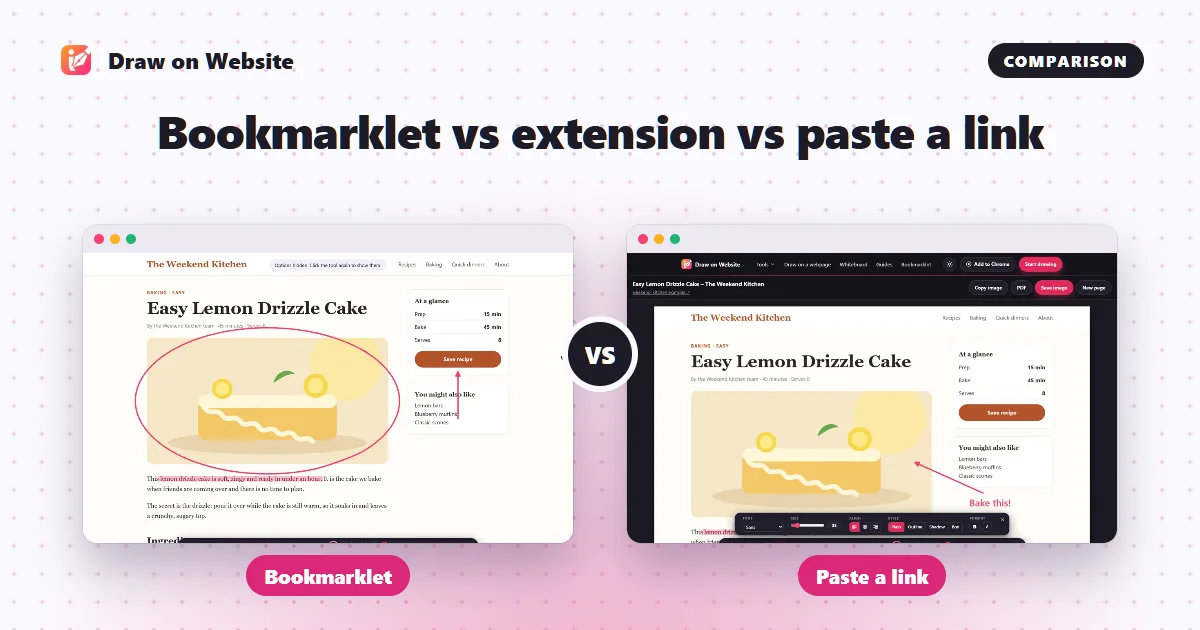
Bookmarklet vs extension vs paste a link
You want to draw on a webpage. Maybe it’s your school laptop that won’t take extensions, maybe it’s a dashboard behind a login, maybe it’s a long article you want to send as one picture. Each of those points to a different way in.
4 min read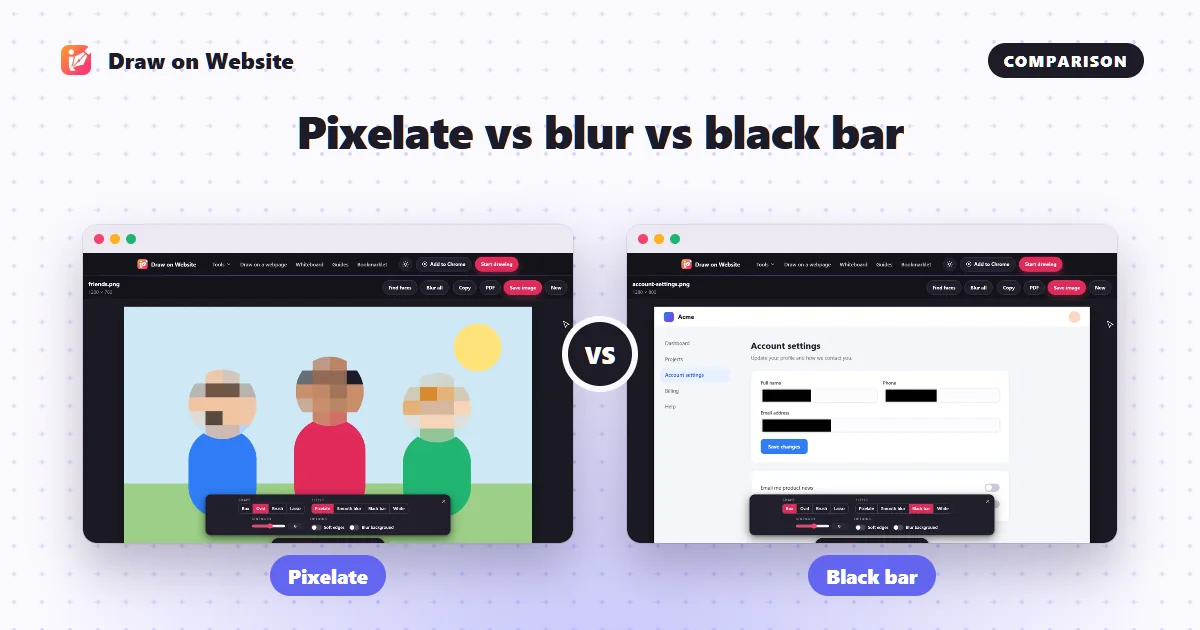
Pixelate vs blur vs black bar
You are about to post a screenshot and there is a phone number in the corner. Or a photo from a party with a friend who didn’t want to be online. All three effects hide things, but they don’t hide them equally well.
4 min read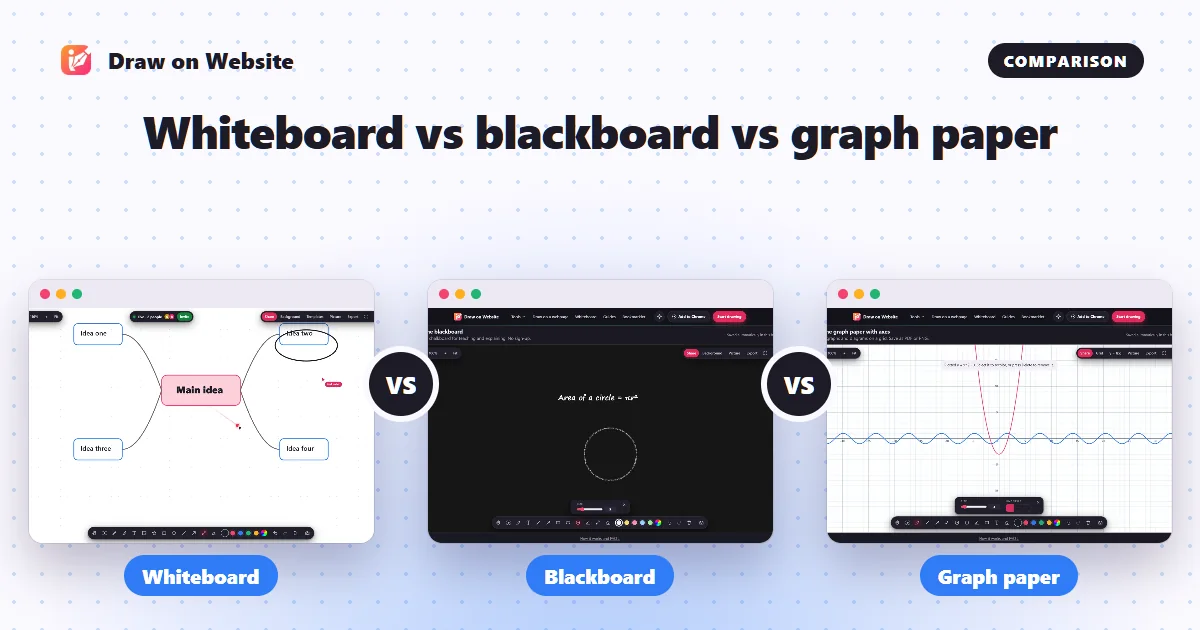
Whiteboard vs blackboard vs graph paper
A team planning a launch, a teacher explaining the area of a circle and a student plotting y = sin(x) all need somewhere to draw. They don’t need the same tools. That is why the site has three boards instead of one.
4 min read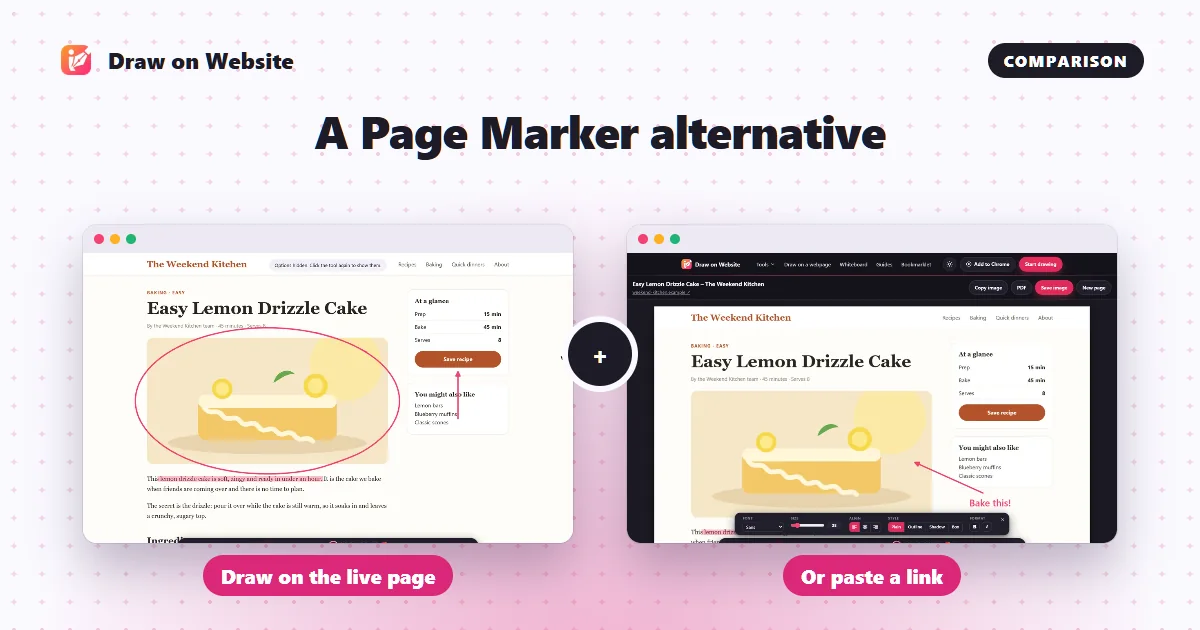
A Page Marker alternative
Page Marker is a simple, popular Chrome extension for drawing on webpages. People usually look for something else when they want arrows and boxes, a whole page saved as one picture, or a way in on a computer that won’t take extensions.
4 min read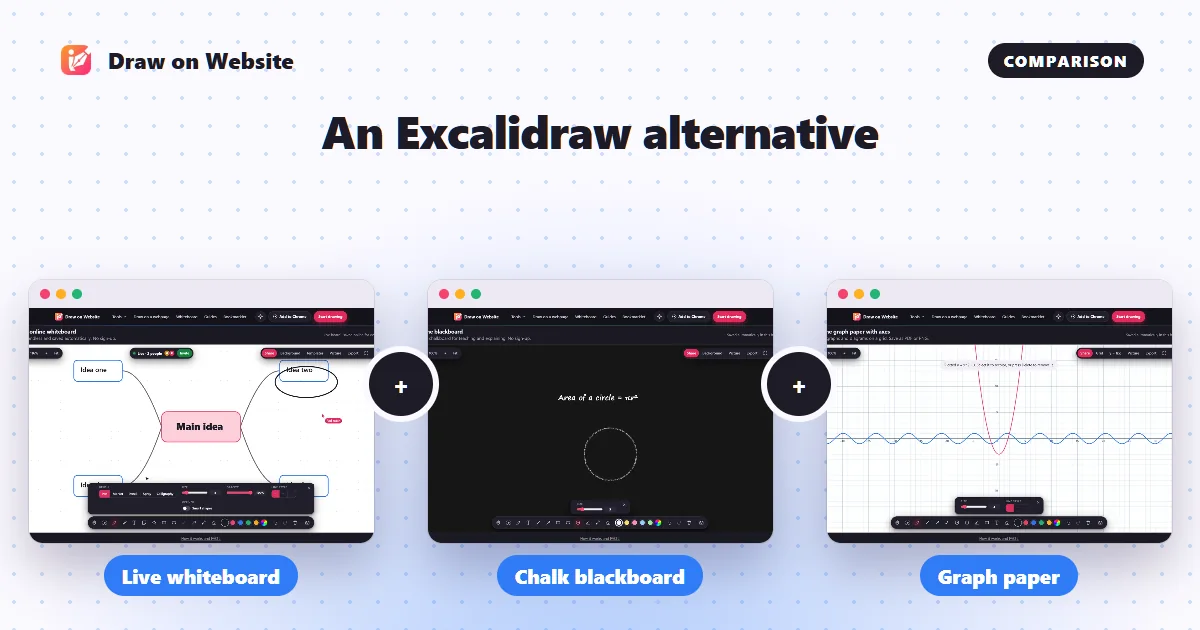
An Excalidraw alternative
Excalidraw is an excellent free, open-source whiteboard with a hand-drawn look. If you mostly sketch diagrams, it is hard to beat. If you teach, do maths on screen or want a free PDF of your board, a different set of boards may suit you better.
4 min read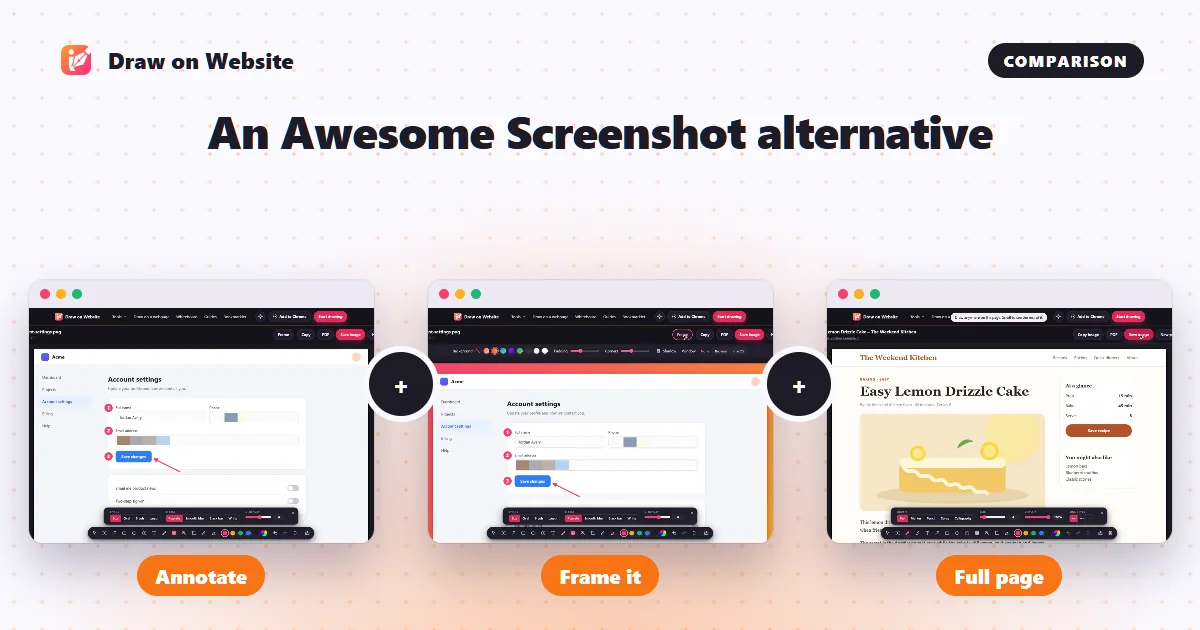
An Awesome Screenshot alternative
You took a screenshot of a bug, and you want to put an arrow on the button, number the steps and hide the customer’s email before sending it. Awesome Screenshot can do a lot more than that. The question is whether you need the rest.
4 min read