How to draw on a website
You found a cake recipe for Saturday and want to send it to your sister with the important bits marked. Or a client wants changes to their homepage, and words alone aren’t working. Drawing straight on the page is faster than explaining.
There are two ways to do it here. You can paste the page’s link and draw on a full picture of it, or add a bookmarklet and draw on the live page in your own browser. The first is quicker for a one-off. The second works on pages you are logged in to.
Paste the link and draw on the whole page
- Copy the address of the page from your browser’s address bar.
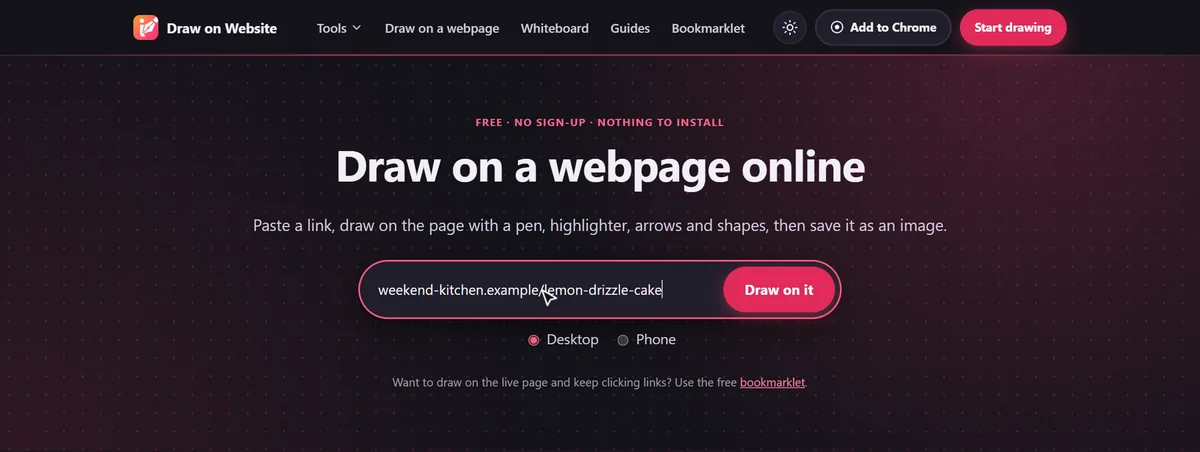
- Open Draw on a webpage, paste the address into the box and click Draw on it. Choose Phone first if you want the mobile version of the page.
- Wait a few seconds. We open the page on our server and take one tall picture of it, from top to bottom.
- Pick a tool from the toolbar at the bottom and draw.
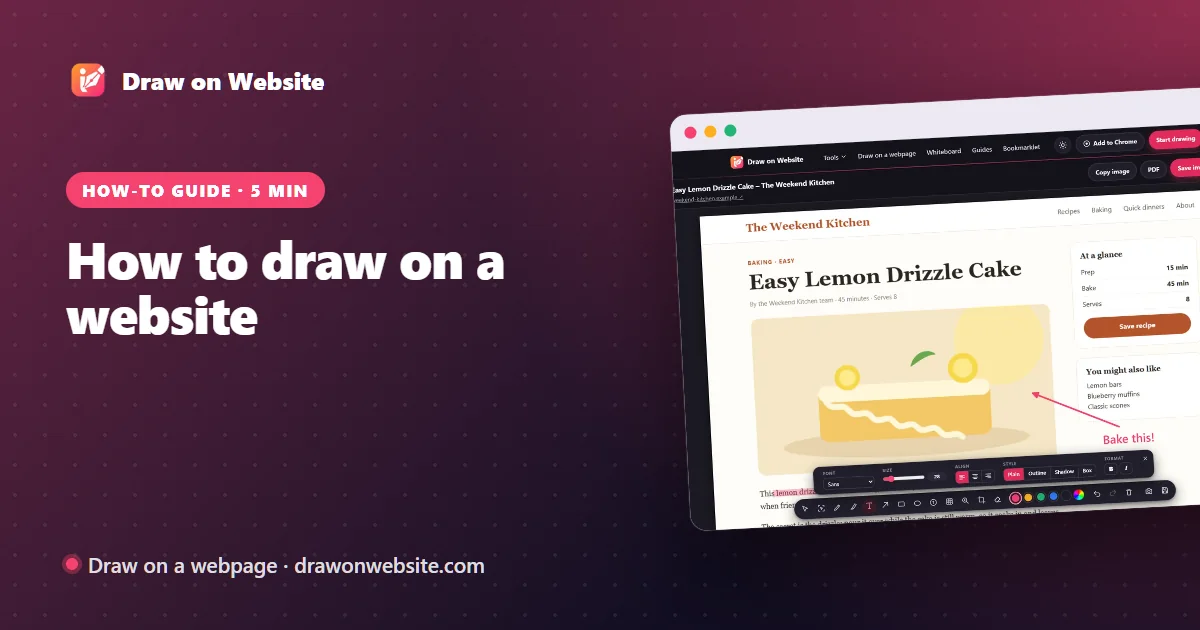
The highlighter is good for sentences you want someone to read, and an arrow with a short note says more than a circle ever will. In the example below, a made-up recipe page got one highlighted line, a pink arrow to the cake and the words “Bake this!”. That took well under a minute.
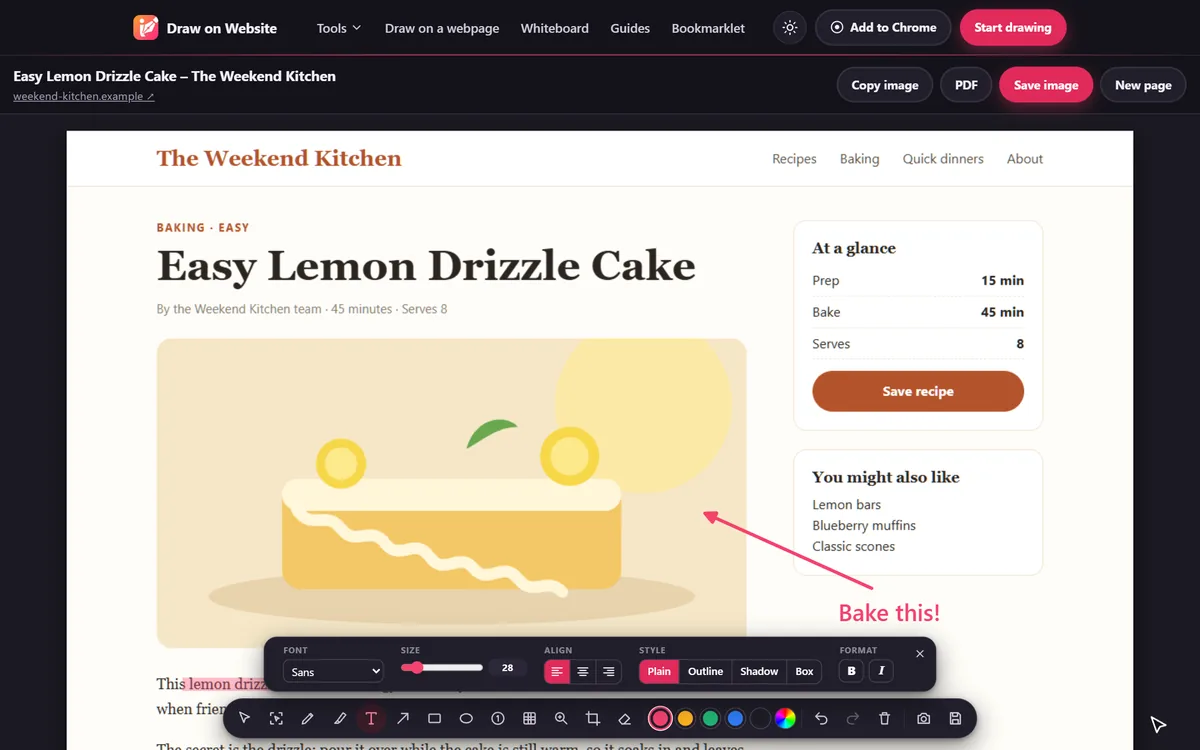
When you are done, click Save image to download a PNG, PDF for a document, or Copy image to paste it straight into a chat or email. To come back to it later, click the save button in the toolbar. The drawing is kept in this browser under “My saved drawings”.
Draw on the page you already have open
Sometimes you need the real page: the one with your account, your shopping basket or the admin panel. For that, use the bookmarklet. It’s a bookmark that adds a drawing layer to whatever tab you click it on.
- On the bookmarklet page, drag the pink button to your bookmarks bar.
- Go to the website you want to mark up and click that bookmark. A toolbar appears at the bottom of the page.
- Draw with the pen (D), highlighter (H), arrow (A) or ellipse (O). Hold Shift for straight arrows and perfect circles.
- Press P for the Pointer when you need to scroll or click a link, then D to go back to drawing.
- Click the camera button to save a picture. Press Esc twice, or click ×, to close it.
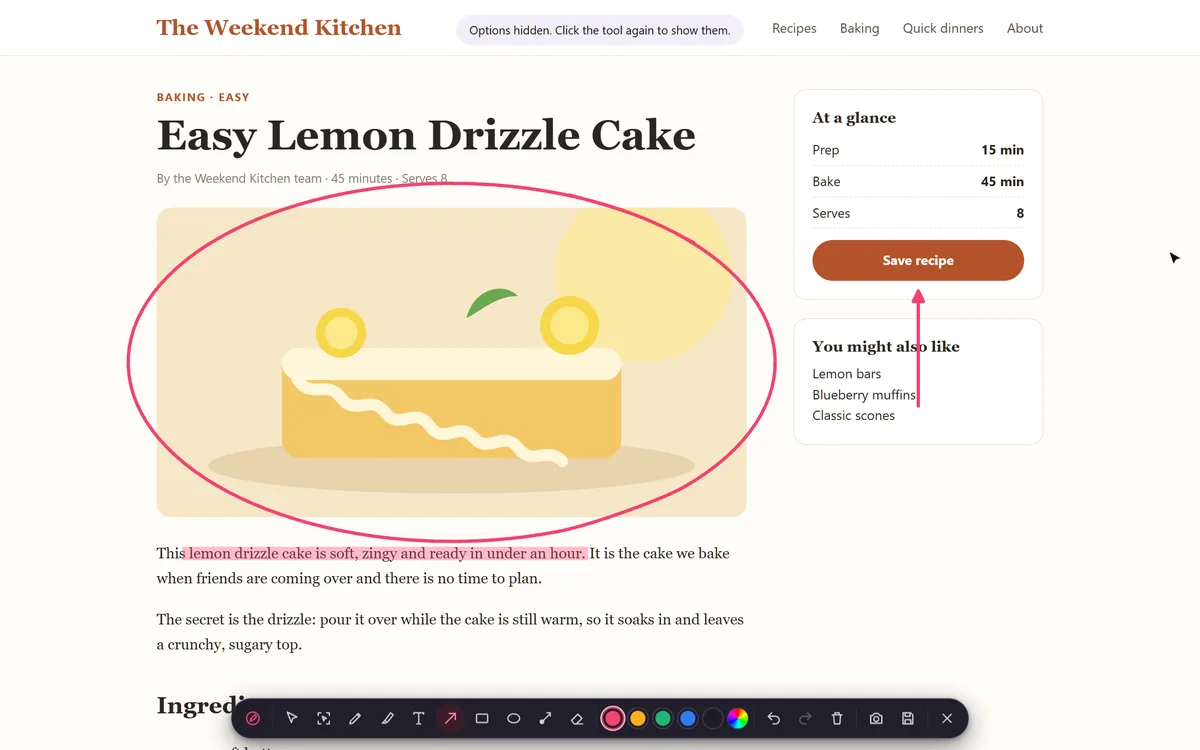
The camera saves what you can see in the tab, not the whole page, because your browser takes the picture. It will ask you which tab to capture first. If you need the full page in one image, paste the link instead.
Browsers don’t let bookmarklets run on their own pages, like the New Tab page, Settings or the extension stores, and a few websites block them. If you hit one of those, or you draw on pages every day, the Chrome extension opens with one click or Alt+Shift+D. There’s a side-by-side on bookmarklet vs extension.
Hide private details before you send it
A marked-up page often ends up in a group chat or a support ticket. If it shows a name, an email address or an order number, cover it first. On Draw on a webpage the Blur tool (B) can pixelate, blur or put a black bar over any area. For a screenshot you already took, the guide to redacting an image explains which method is safest.
Paste a link and start drawing on the whole page. Free, no sign-up.
Draw on a webpageQuestions
Does drawing change the website?
No. Your drawing only exists in your own browser, on top of the page or on a picture of it. The website and its other visitors don’t see anything.
Why do I see a picture of the page instead of the live site?
Most websites don’t allow themselves to be shown inside another site, so we take a full-page picture for you to draw on. Links on it won’t work. Use the bookmarklet if you need the live page.
Can I draw on a website on my phone?
Yes. On Draw on a webpage, choose Phone before you click Draw on it, then draw with your finger or a stylus. Tap the arrow (pointer) button when you want to scroll.