
Guides
Step-by-step help for drawing on webpages, marking up screenshots, hiding private details and teaching with online boards.
How-to guides
Step-by-step help for drawing, marking up and sharing.
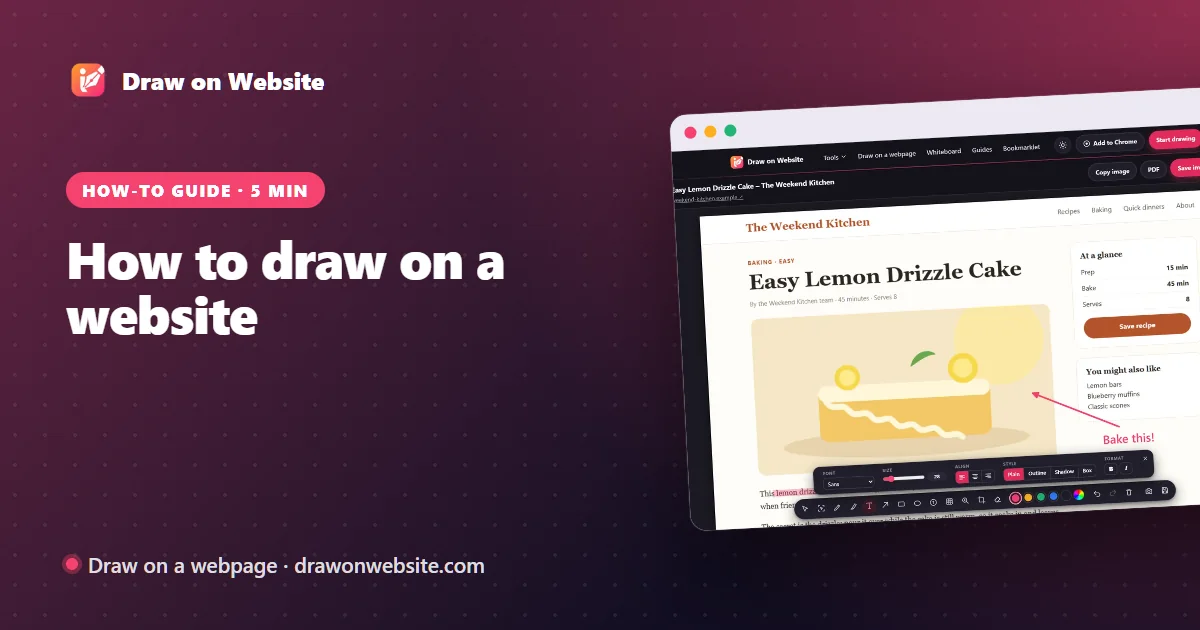
How to draw on a website
You found a cake recipe for Saturday and want to send it to your sister with the important bits marked. Or a client wants changes to their homepage, and words alone aren’t working. Drawing straight on the page is faster than explaining.
5 min read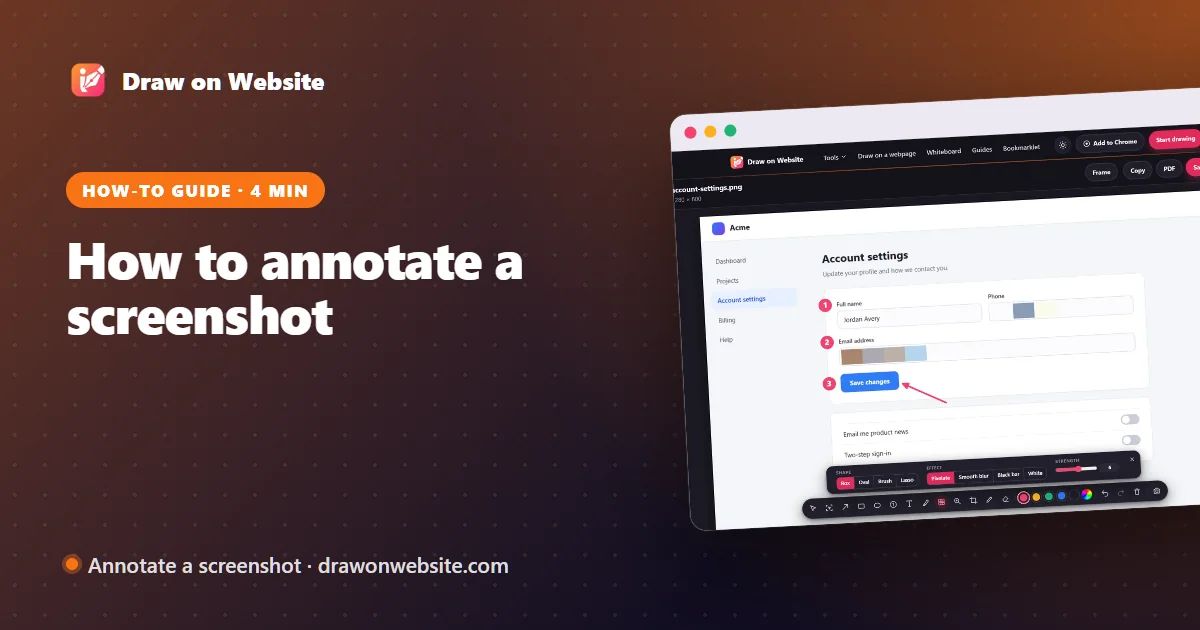
How to annotate a screenshot
Someone asks where a setting is. You could write three paragraphs, or send one picture with a 1, a 2 and an arrow. This guide shows the picture way.
4 min read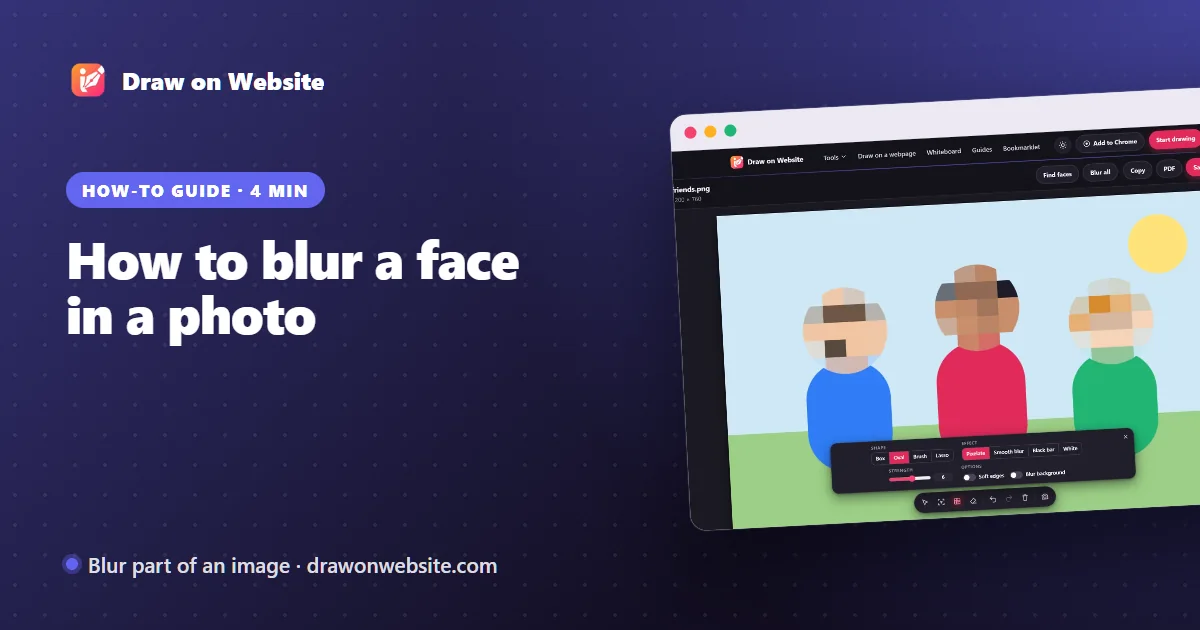
How to blur a face in a photo
A school trip, a birthday party, a busy street. The photo is great, but not everyone in it agreed to end up online. Here is how to hide their faces before you post.
4 min read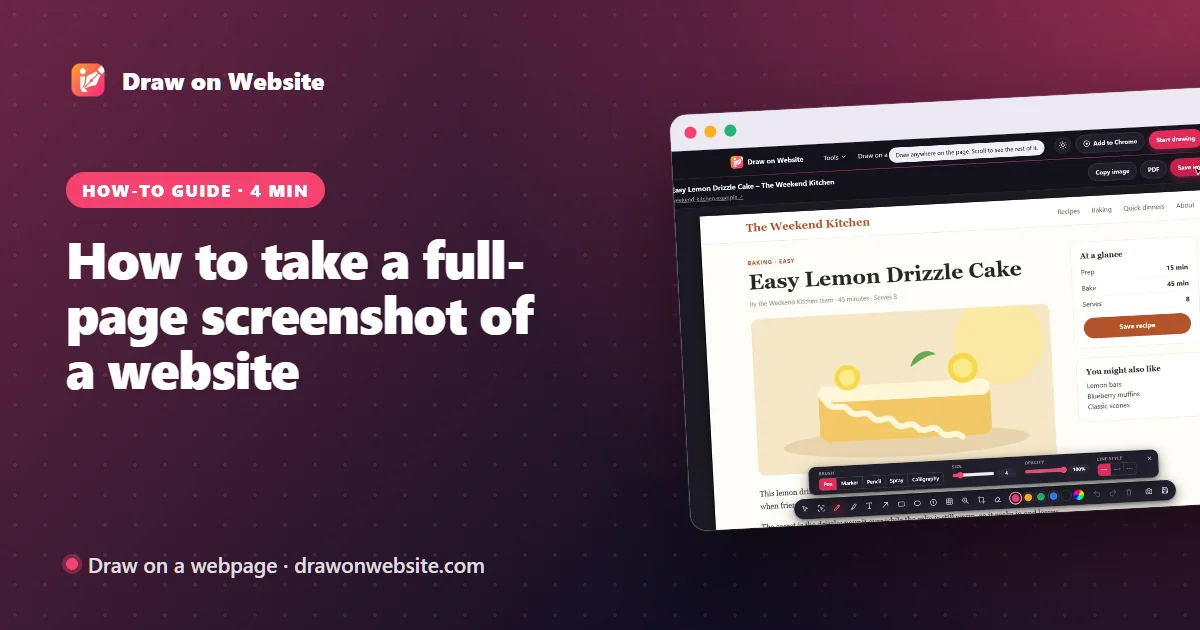
How to take a full-page screenshot of a website
You want to keep a long article, or show a designer the whole landing page, and a normal screenshot cuts it off halfway. Stitching five screenshots together is no fun. A full-page screenshot gets everything in one picture.
4 min read
How to highlight text on a webpage
On paper you would just grab a yellow marker. A student reading a long article for an essay, or someone comparing two phone contracts, needs the same thing on screen: a quick way to make the important lines stand out.
4 min read
How to add text to a picture
You baked a cake and want to invite the neighbours, or you have the perfect photo for a joke in the group chat. Either way, the picture needs a few words on it.
4 min read
How to draw on your screen during a presentation
You’re sharing your screen and someone asks, “Wait, which button?” Saying “top right, no, a bit lower” rarely works. Circling it does.
4 min read
How to sign a PDF online
Your landlord emails a rental agreement and wants it back signed by tonight. You don’t own a printer, and you don’t need one.
4 min read
How to print graph paper
It’s the night before the maths test and the graph paper pad is empty. If you have a printer, you can make more in about a minute.
4 min read
How to draw on your screen
You’re helping your dad find a setting on a website, and “top right, no, the other one” isn’t working. Or you want to work through a maths problem on a big, empty screen. Either way, you want a pen that draws right on the screen.
4 min read
How to draw together online
A tutor and a student working on the same geometry problem from two different towns. A team planning a launch on one mind map. Both just need a board everyone can draw on at once.
4 min read
How to redact an image
You want to post a screenshot of an error, but your name, phone number and email are right there in the corner. Covering them takes a minute, as long as you use the right kind of cover.
4 min readWho it’s for
How teachers, students, web teams and support teams use it.
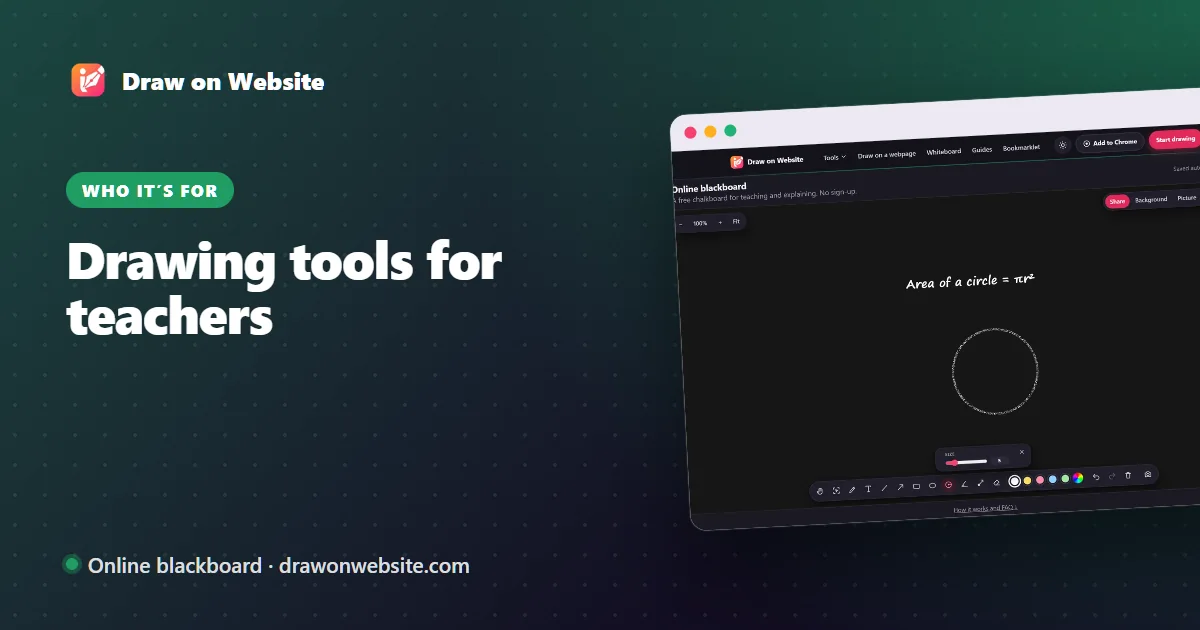
Drawing tools for teachers
Second period, Year 9, the area of a circle. The textbook diagram is too small to see from the back row, so you draw it yourself on the projector. That is the job these tools were built for.
5 min read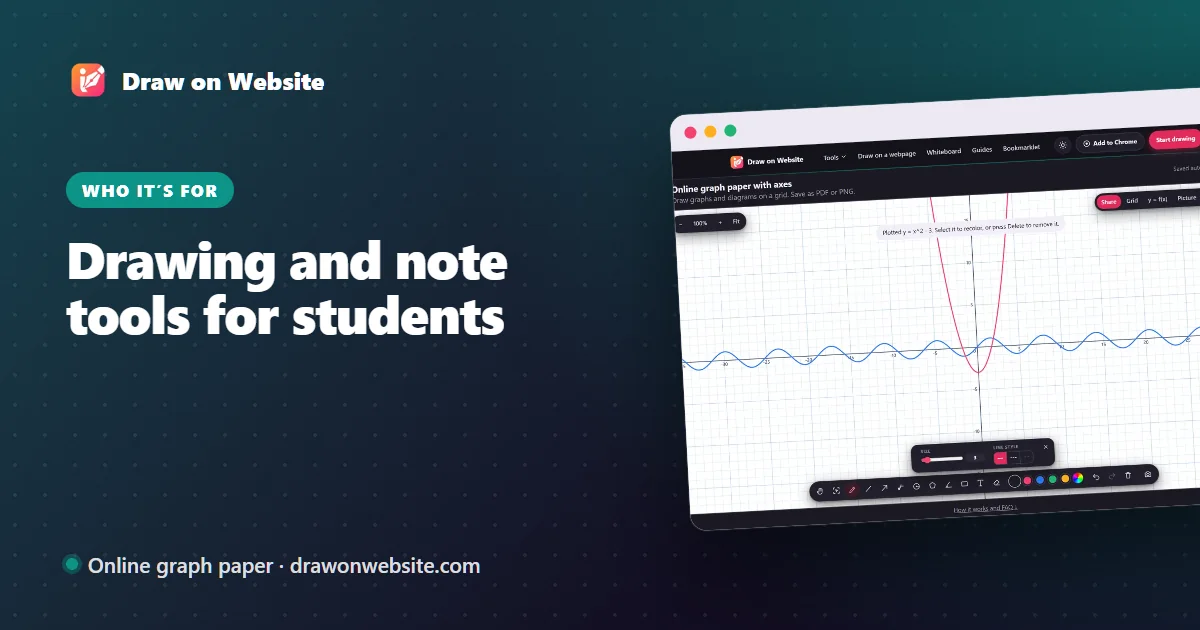
Drawing and note tools for students
It’s 11 pm, the group poster is due Friday, and four people in the chat have four different ideas. Somebody needs a board everyone can draw on. That, and a few other study jobs, is what this page is about.
5 min read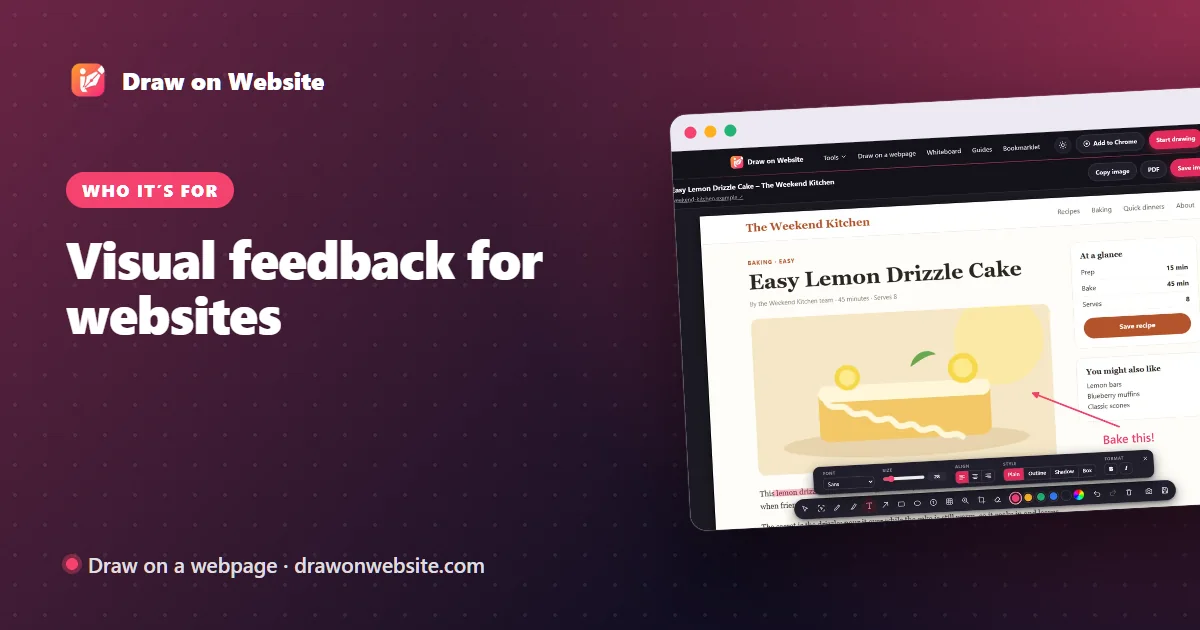
Visual feedback for websites
The client writes: “The thing at the top feels off.” You ask which thing. Two days and six emails later, it turns out they meant the gap under the logo. One marked-up picture would have settled it on day one.
5 min read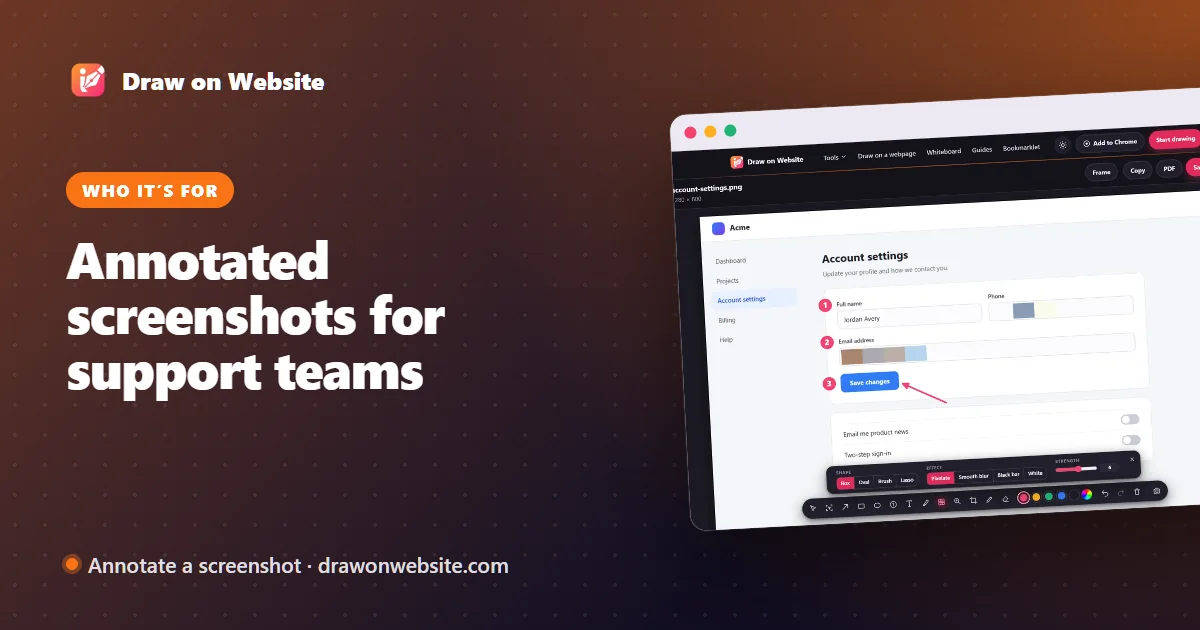
Annotated screenshots for support teams
A customer writes: “Where do I change my email address?” You could explain the menu in four sentences. Or you send one picture with a 1, a 2 and an arrow on the Save button, and the ticket closes.
5 min readComparisons
Pick the right tool or method for the job.
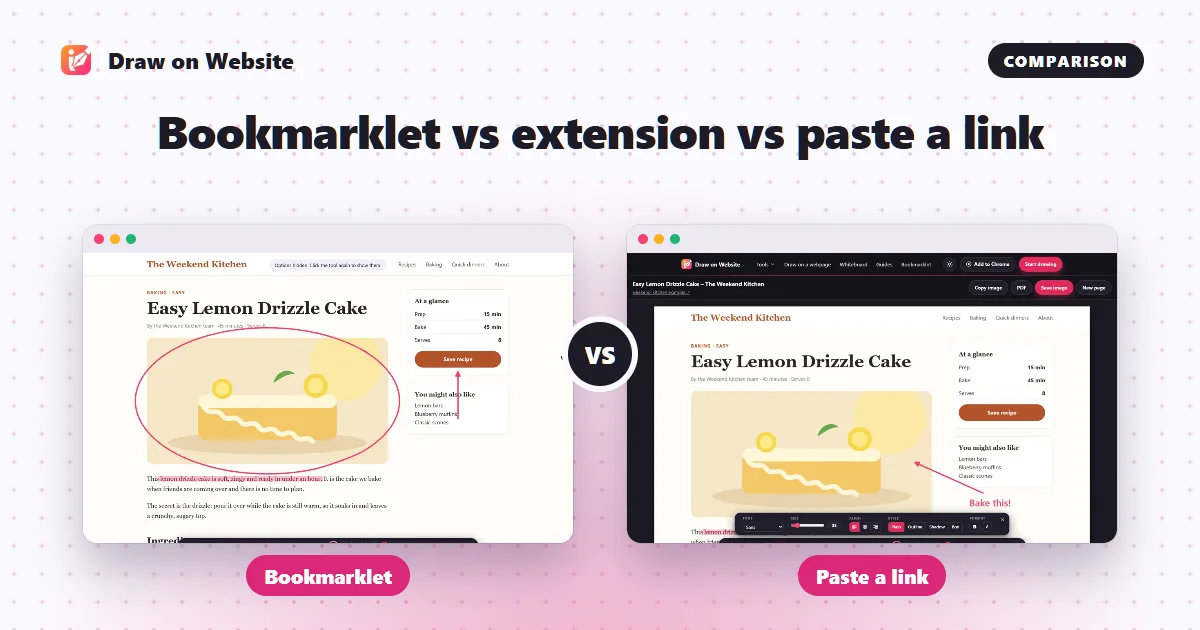
Bookmarklet vs extension vs paste a link
You want to draw on a webpage. Maybe it’s your school laptop that won’t take extensions, maybe it’s a dashboard behind a login, maybe it’s a long article you want to send as one picture. Each of those points to a different way in.
4 min read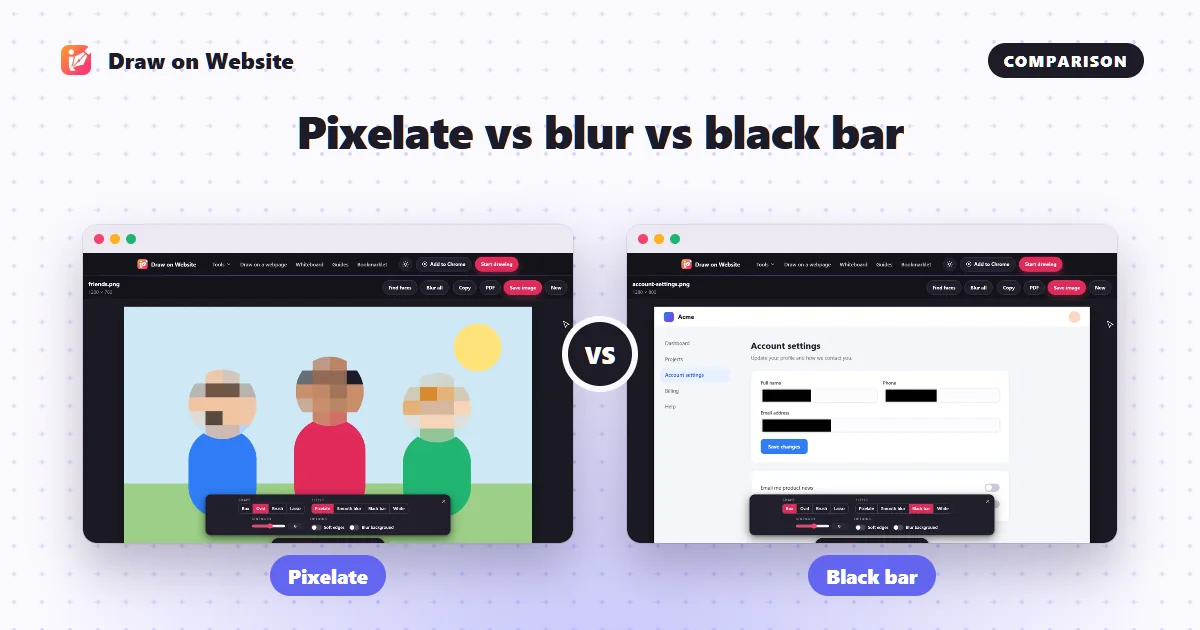
Pixelate vs blur vs black bar
You are about to post a screenshot and there is a phone number in the corner. Or a photo from a party with a friend who didn’t want to be online. All three effects hide things, but they don’t hide them equally well.
4 min read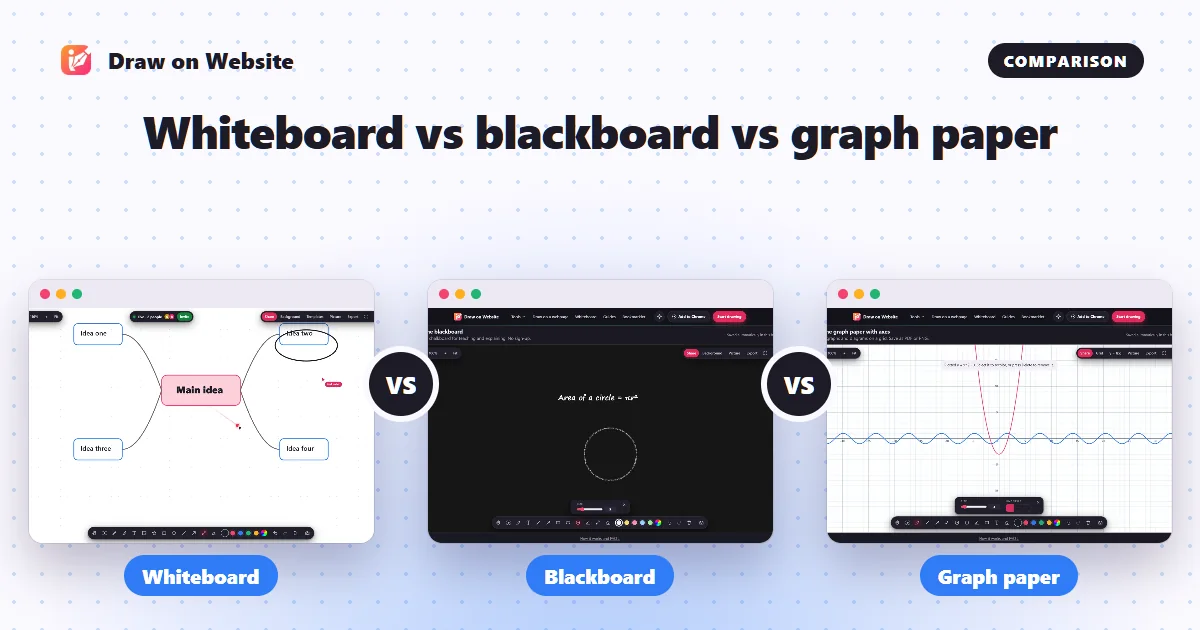
Whiteboard vs blackboard vs graph paper
A team planning a launch, a teacher explaining the area of a circle and a student plotting y = sin(x) all need somewhere to draw. They don’t need the same tools. That is why the site has three boards instead of one.
4 min read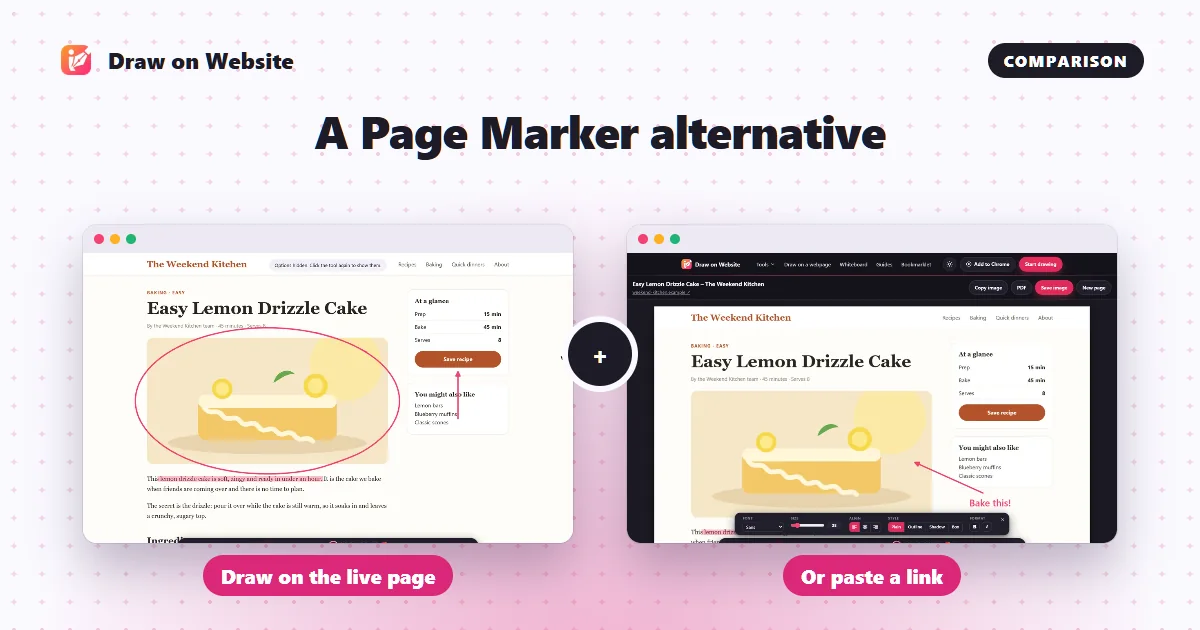
A Page Marker alternative
Page Marker is a simple, popular Chrome extension for drawing on webpages. People usually look for something else when they want arrows and boxes, a whole page saved as one picture, or a way in on a computer that won’t take extensions.
4 min read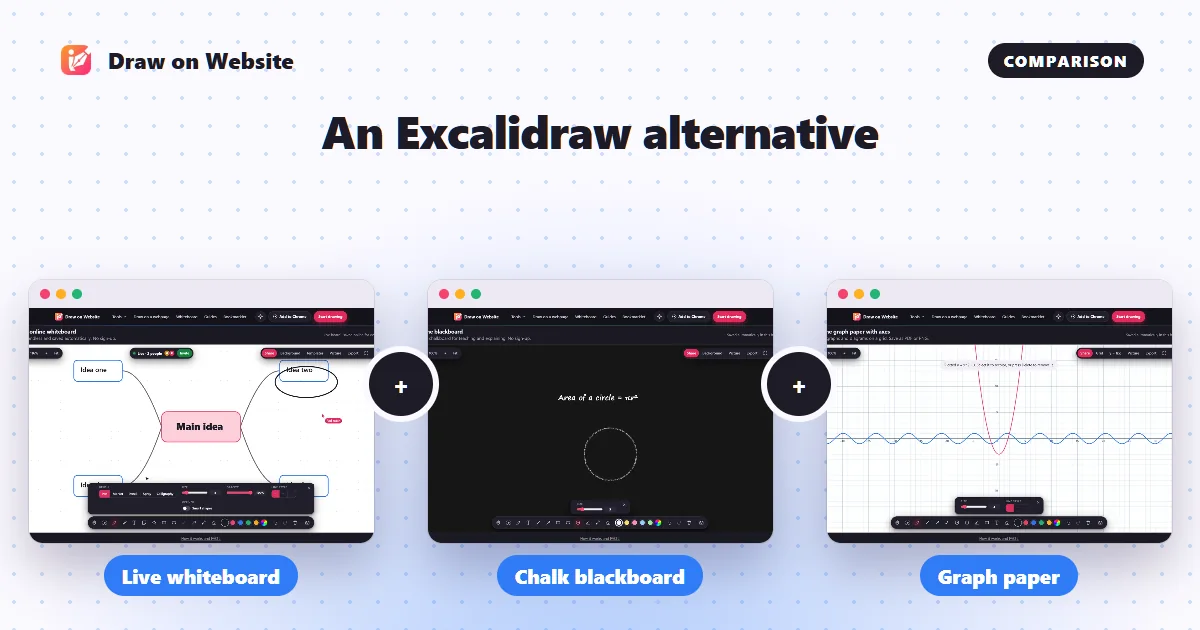
An Excalidraw alternative
Excalidraw is an excellent free, open-source whiteboard with a hand-drawn look. If you mostly sketch diagrams, it is hard to beat. If you teach, do maths on screen or want a free PDF of your board, a different set of boards may suit you better.
4 min read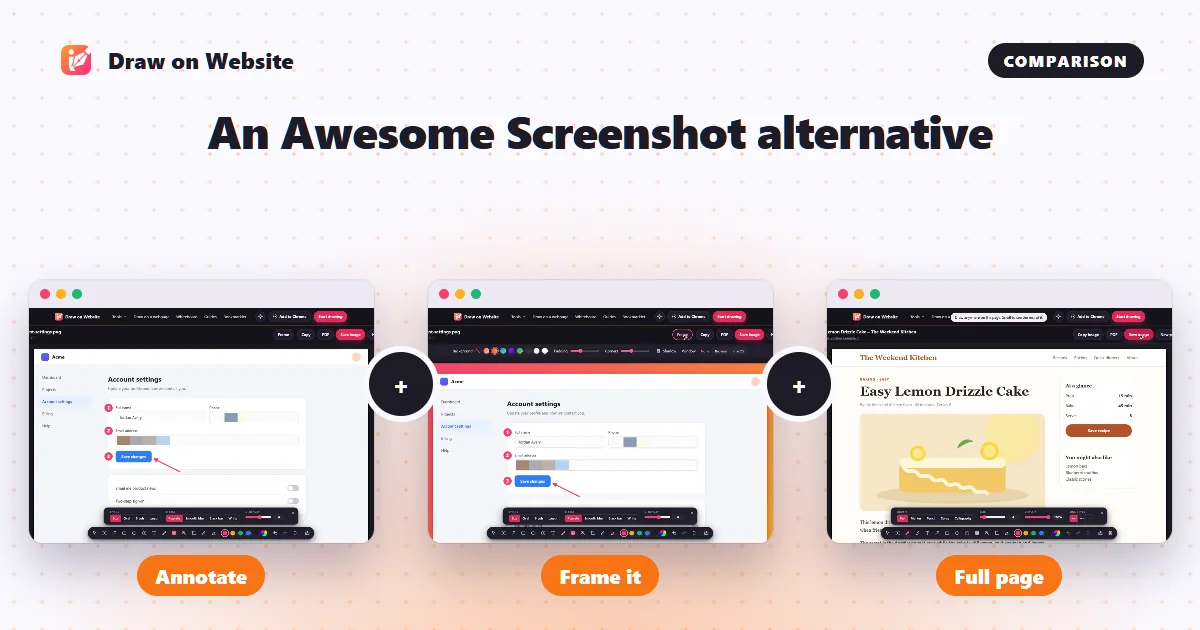
An Awesome Screenshot alternative
You took a screenshot of a bug, and you want to put an arrow on the button, number the steps and hide the customer’s email before sending it. Awesome Screenshot can do a lot more than that. The question is whether you need the rest.
4 min read