Drawing and note tools for students
It’s 11 pm, the group poster is due Friday, and four people in the chat have four different ideas. Somebody needs a board everyone can draw on. That, and a few other study jobs, is what this page is about.
Everything here runs in a browser tab, so it works on a school Chromebook, a laptop or a tablet. Here is how students tend to use it across a week, from maths homework to the night before a deadline.
Checking maths homework
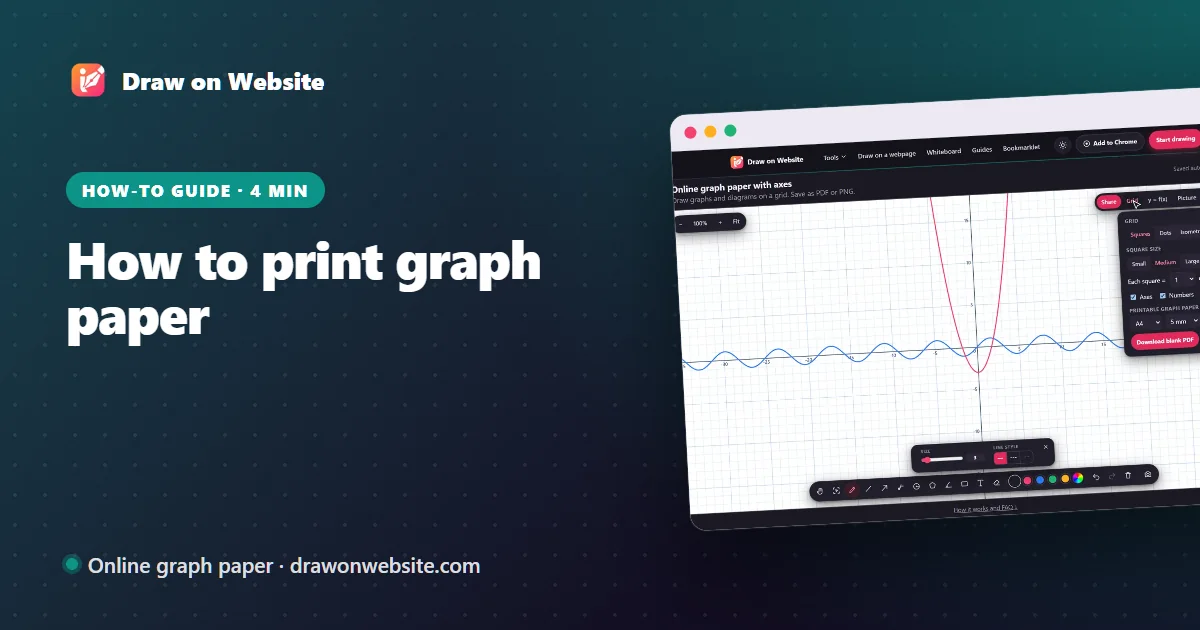
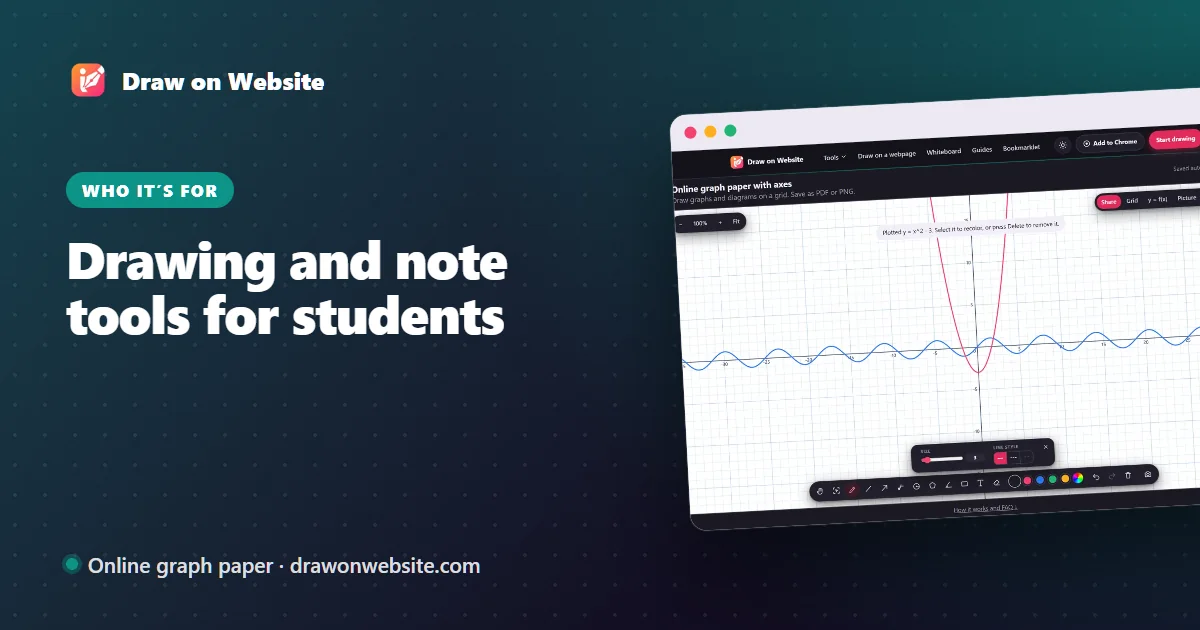
You drew y = x² − 3 by hand and you are not sure the curve crosses where it should. Open the online graph paper, click y = f(x), type x^2 - 3 and click Plot. Now compare. You can plot several functions on the same axes, each in its own colour, so questions like “where do these two meet?” become something you can see.
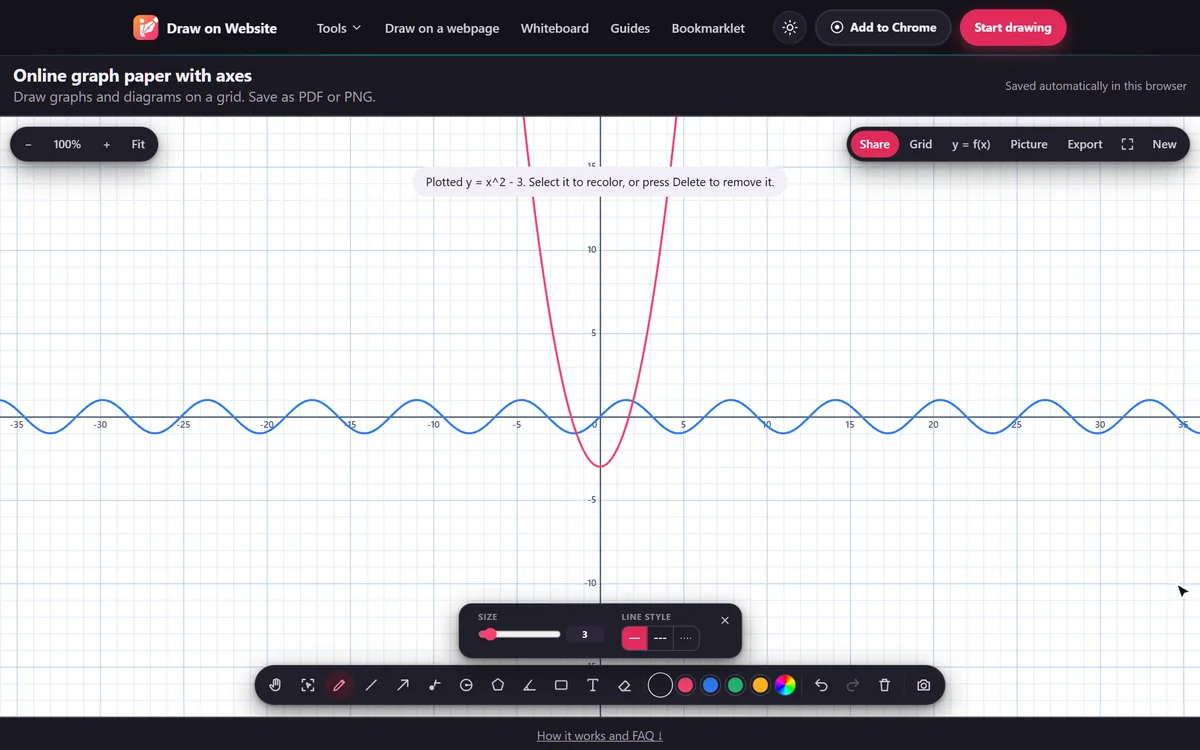
The protractor tool (J) measures an angle from three clicks, and a line shows its length and slope. Use these to check your answers, not to replace the working. The graph paper plots what you type; it doesn’t solve equations or show steps, and your teacher will still want to see how you got there.
Reading for an essay
Long online articles are hard to skim later. With the bookmarklet in your bookmarks bar, you click it on the article, press H and drag over the sentences you might quote. One colour for evidence and another for things to look up later keeps it manageable. Click the save button in the toolbar and the highlights come back next time you open that page in the same browser.
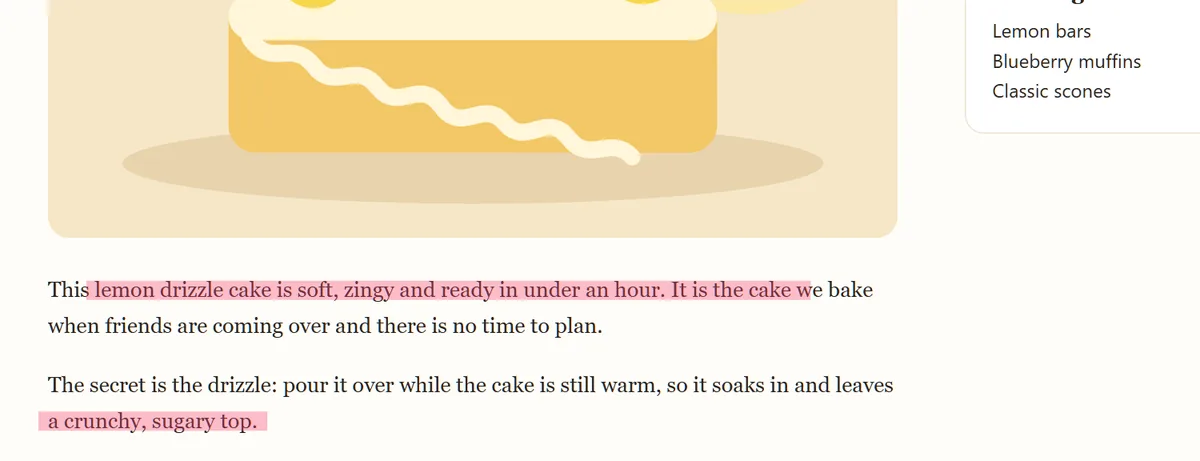
Highlights sit on top of the page, so they can drift if the site changes its layout. They also don’t work inside PDFs. The highlighting guide explains both and shows how to share a marked-up article.
The 11 pm group project
Open the whiteboard and pick a starting point from Templates. A Kanban board works for splitting up tasks, a mind map or Brainstorm for the poster idea. Then click Share, Start a live board, and paste the link into the group chat. Everyone draws on the same board at once and sees each other’s cursors.
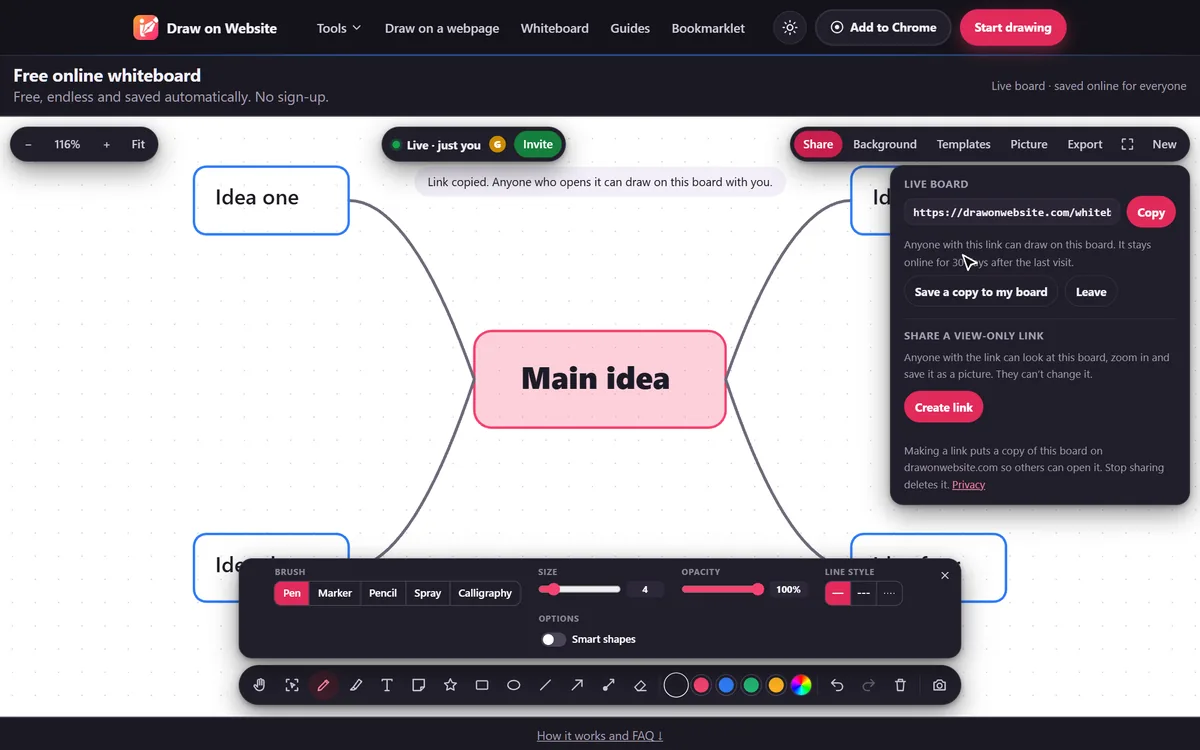
Some advice from watching groups use it: give each person a colour at the start, and use sticky notes (N) for ideas, because they are easier to move into groups than handwriting. Anyone with the link can change things, so don’t post it publicly. The board stays online until nobody has opened it for 30 days, so click Save a copy to my board once the plan is done. The guide to drawing together online covers the rest.
Out of graph paper the night before a test
On the same graph paper page, click Grid. At the bottom, under Printable graph paper, choose A4 or Letter, a square size from 1 mm to 1 cm (or ¼ inch), and squares, dots or isometric. Download blank PDF gives you a sheet to print.
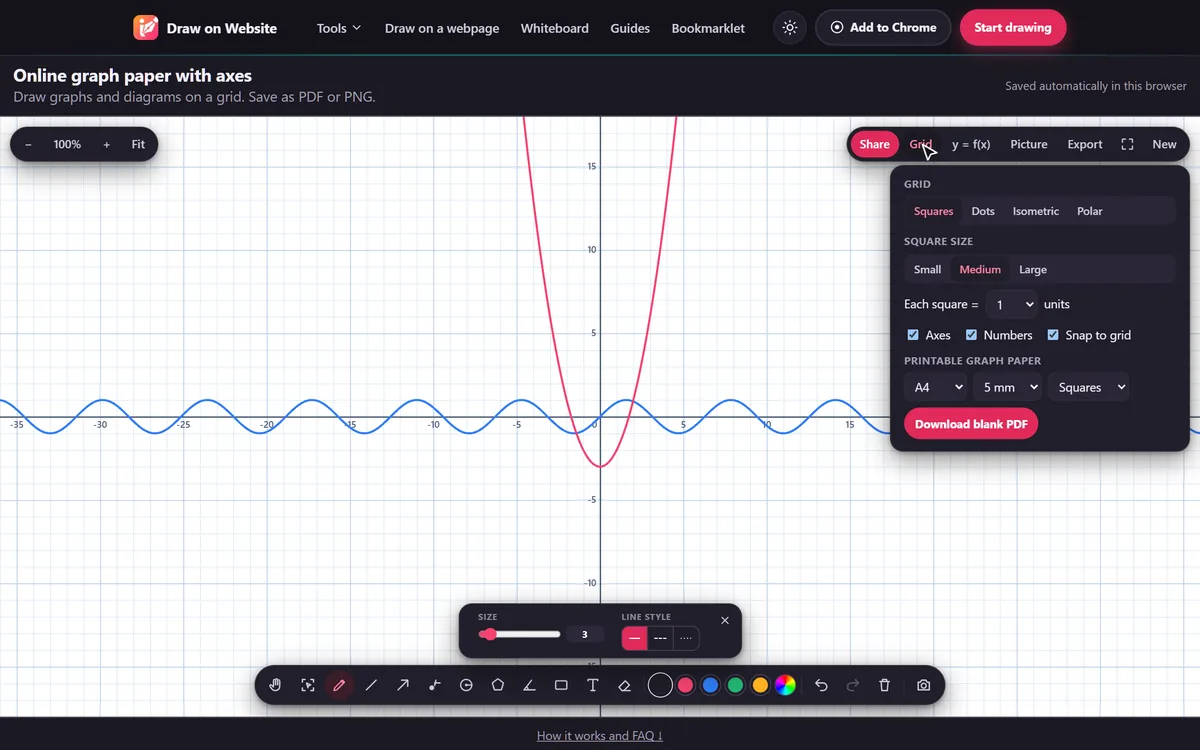
Set your printer to 100% or “Actual size”, or the squares come out slightly smaller than they should.
Screenshots for slides
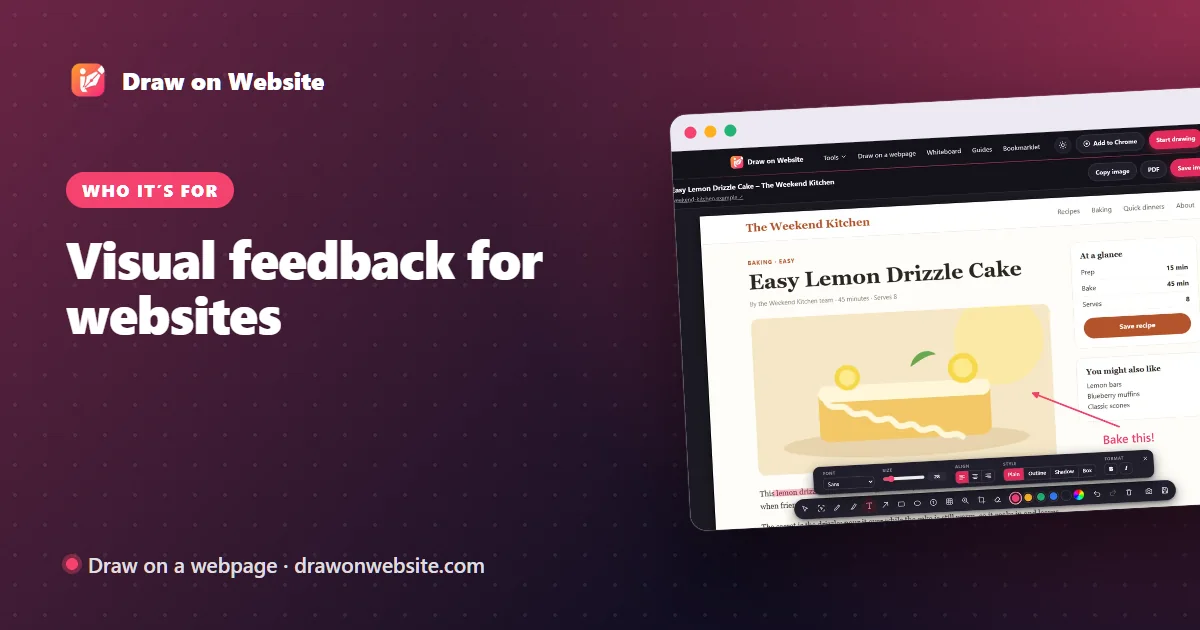
When a presentation needs a screenshot of a website or an app, paste it into Annotate a screenshot and add numbered steps and an arrow so the class can follow along. For a caption on a photo, Add text to an image is quicker.
Plot a function, measure an angle or print a blank sheet.
Open graph paperQuestions
Is it really free?
Yes. There is no account to create and no watermark on what you download.
Will my work be there on another computer?
No. Boards and saved highlights stay in the browser where you made them. Export a PNG or PDF, or use a share link, to move work between devices.
Can my teacher see what I draw?
Only if you share it. Your own boards stay in your browser. On a live board, everyone who has the link sees everything on it.