Bookmarklet vs extension vs paste a link
You want to draw on a webpage. Maybe it’s your school laptop that won’t take extensions, maybe it’s a dashboard behind a login, maybe it’s a long article you want to send as one picture. Each of those points to a different way in.
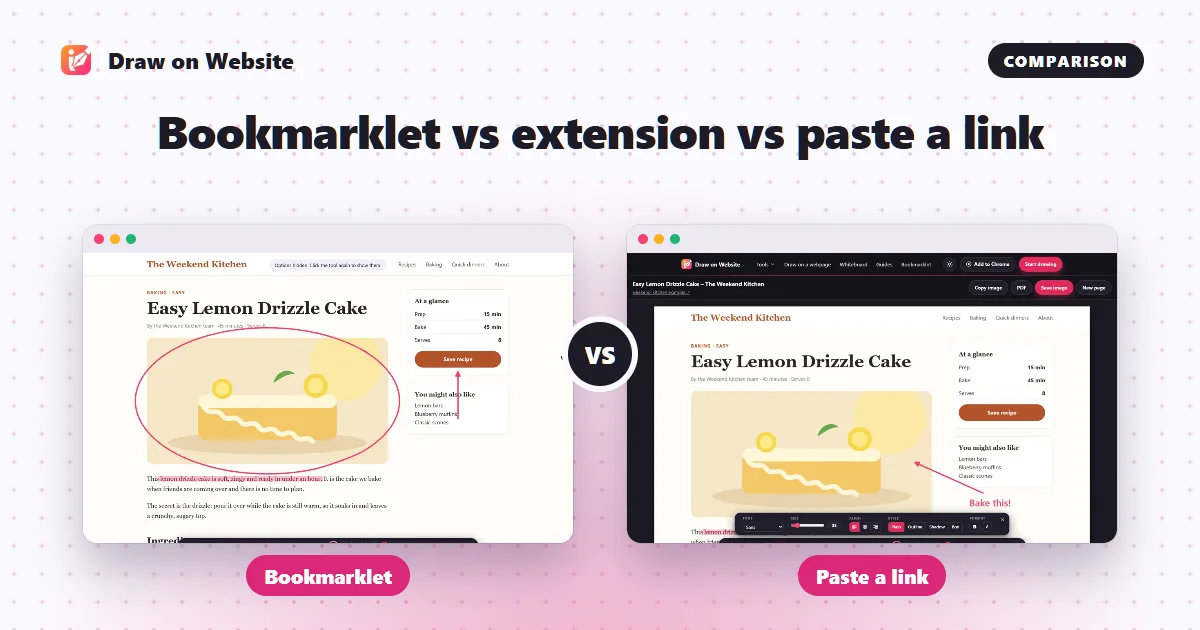
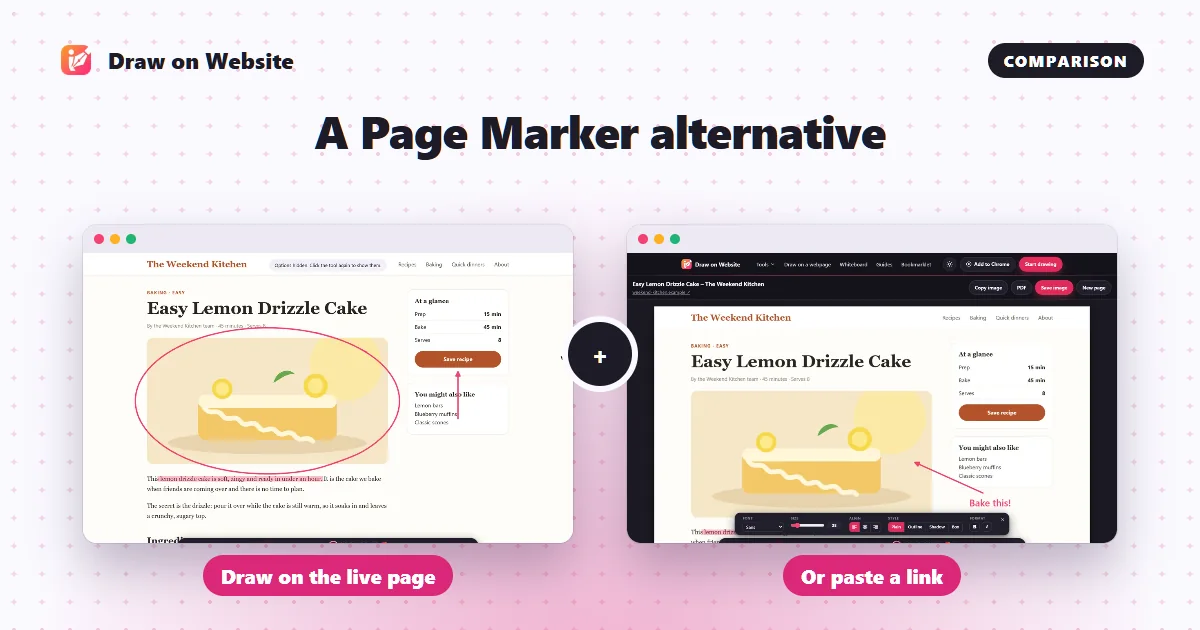
Draw on Website gives you three ways to mark up a page. They share the same pens, arrows and shapes. What changes is where the drawing happens, what you can capture and what you have to install. Here is how I would choose.
The quick answer
- Use the bookmarklet if you can’t install extensions, or you use Firefox or Safari.
- Use the extension if you mark up pages every week and want a keyboard shortcut and drawings that save on their own.
- Paste a link on Draw on a webpage if the page is public and you want all of it, top to bottom, in one image or PDF. It is also the one that works on a phone.
| Paste a link | Bookmarklet | Extension | |
|---|---|---|---|
| What you install | Nothing | One bookmark | From the Chrome Web Store |
| What you draw on | A full-page picture of the page | The live page | The live page |
| Pages behind a login | No | Yes | Yes |
| Browsers | Any, including phones | Most desktop browsers | Chrome, Edge, Brave and other Chromium browsers |
| Start with a shortcut | No | No | Alt+Shift+D |
| Updates | Always the newest | Drag it again to update | Automatic |
The bookmarklet draws on the page you already have open
A bookmarklet is a bookmark that runs a little code instead of opening an address. Drag it to your bookmarks bar once, open any page and click it. A toolbar appears at the bottom and you draw right on the live page, logged in and all. Your bank, your school portal or a work dashboard look exactly as they do for you.
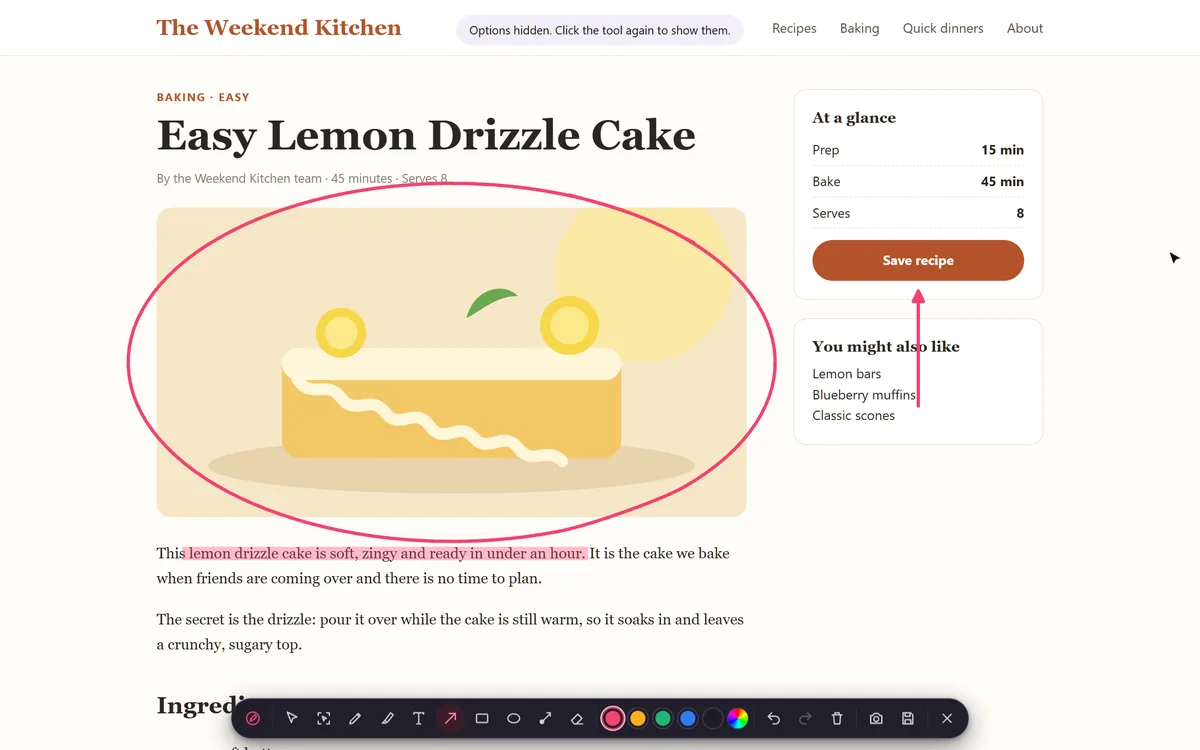
It has the core tools: pen, highlighter, text, line, arrow, rectangle, ellipse, the laser pointer, the eraser and Select to move or resize what you drew. The camera button takes one picture of what you see on screen. To come back to a drawing later, click the save button and it is kept in your browser for that page address.
There are two catches. Browsers don’t run bookmarklets on their own pages, like the New Tab page or Settings, and a few websites block them. And it doesn’t update itself. When new tools arrive, delete the old bookmark and drag the button from the bookmarklet page again.
The extension is for people who do this a lot
The extension works on the live page too, but you start it with one click on its icon or Alt+Shift+D. Drawings are saved for each page without asking, and you can turn on “Show my drawings when I revisit a page”. It can capture the visible area or the full page, and it keeps itself up to date.
The downside is the install. It needs a Chromium browser, and many school and office computers don’t allow new extensions. If that is you, the bookmarklet does most of the same job.
Paste a link when you want the whole page
On Draw on a webpage you paste an address and click “Draw on it”. Our server opens the page and takes a picture of all of it, top to bottom, and you draw on that picture. Then Copy image, PDF or Save image gives you one file with everything on it. This version also has numbered steps, blur, a magnifier and crop.
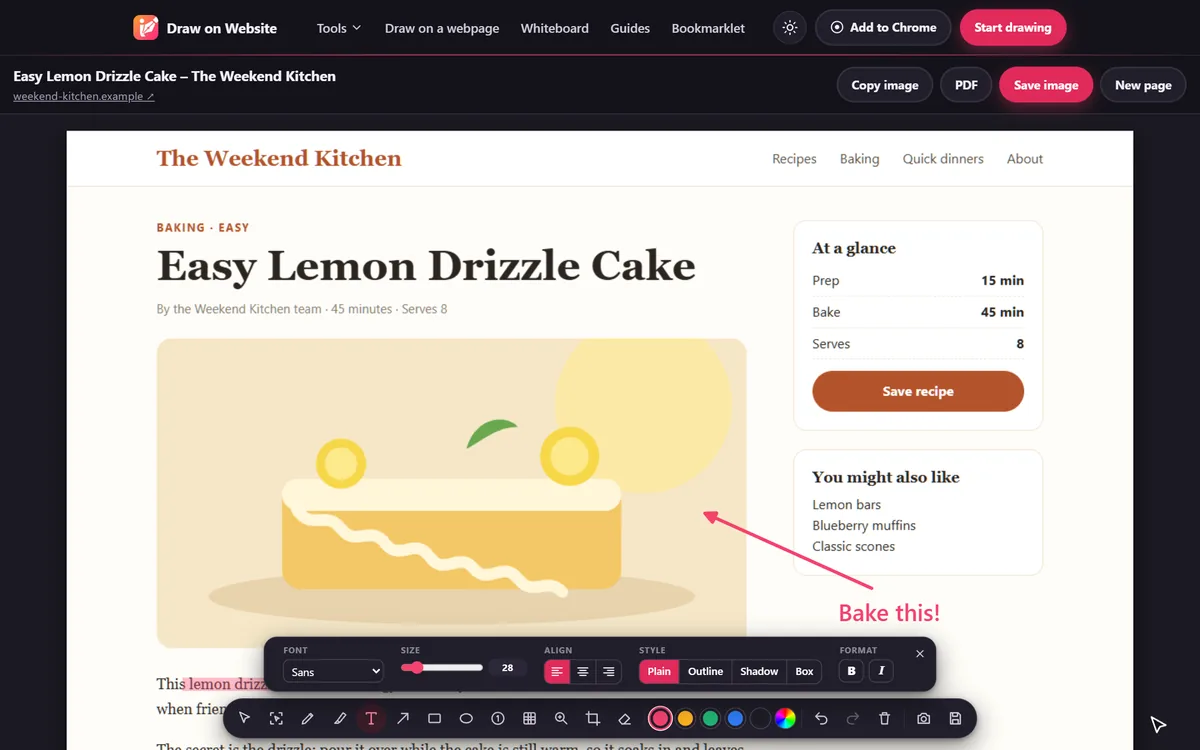
Be honest with yourself about the limit here. We open the page as a visitor who isn’t signed in, so your inbox or a members-only page will show a login screen. It is also a picture, so links don’t click. For those pages, go back to the bookmarklet or the extension.
For a step-by-step walk-through of all three, see how to draw on a website. If what you really need is a long page saved as an image, how to take a full-page screenshot goes into that.
Drag it to your bookmarks bar, or paste a link on Draw on a webpage instead.
Get the bookmarkletQuestions
Is the extension more private than the bookmarklet?
They are about the same. Both run in your browser and keep drawings on your device. Paste a link is different: the address you paste goes to our server so it can take the picture. Your drawing still stays in your browser.
Can I use all three?
Yes. They are all free and don’t get in each other’s way. Plenty of people keep the bookmarklet for work and the extension at home.
Why does my bookmarklet have fewer tools than the website?
It is a copy saved when you dragged it. Delete the old bookmark and drag the new one from the bookmarklet page to get the latest tools.